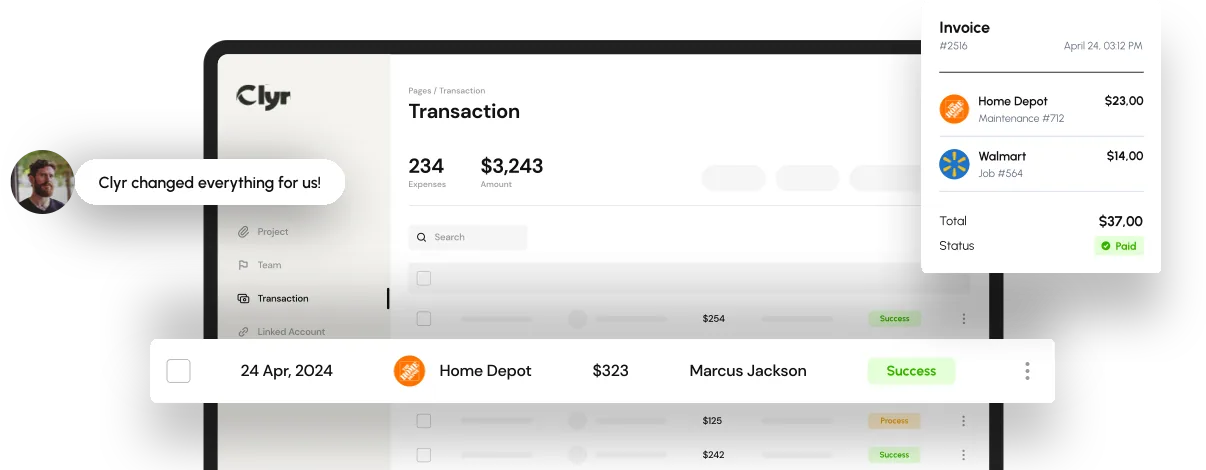
A vendor payment system is the combination of payment methods, approval workflow, and accounting sync a business uses to pay suppliers, contractors, and vendors. It covers how a bill gets approved, which rail moves the money (check, ACH, card, or wire), and how the transaction lands in the general ledger. Choosing one is less about finding a single best method and more about matching methods and controls to how your AP team and field crews actually work.
Get the setup wrong and you end up running three payment rails nobody fully reconciles, chasing paper checks for job-site vendors, or re-keying transactions into your accounting software every week. Get it right and payments clear on schedule, coding matches the right job or property, and month-end close stops being a spreadsheet forensics project.
- Payment methods differ on speed, cost, and control: checks, ACH, wire, and cards each trade off differently.
- Volume and vendor mix decide the setup: a dozen recurring vendors needs less infrastructure than hundreds of subcontractors.
- Integration determines the time savings: a system that doesn't sync to your accounting platform still means manual entry.
- Field and job-site spend needs its own path: crews buying materials need cards and receipt capture, not a check run.
- Approval workflow matters as much as speed: fast payments with no sign-off create fraud risk.
Vendor Payment Methods: The Options AP Teams Compare
Most businesses use some mix of checks, ACH transfers, wire transfers, and cards to pay vendors, and each method carries a different cost, speed, and control profile. ACH (Automated Clearing House) transfers move money bank to bank, typically clearing in one to three business days, and mid-sized companies favor them because they're cheap and traceable. Paper checks still show up heavily in construction and property management, mainly because a one-time vendor has no other option set up, but they're slow and easy to lose track of.
Wire transfers settle same-day but cost more per transaction, so they tend to get reserved for large or urgent payments. Corporate and virtual cards settle instantly at the point of purchase and, paired with receipt capture, code directly to a job or GL account without a bill ever hitting an AP queue.
| Method | Speed | Typical Cost | Best For |
|---|---|---|---|
| Paper check | 3-7 days | Printing, postage, staff time | One-off or new vendors with no other option |
| ACH transfer | 1-3 business days | Low, often a flat fee | Recurring vendor bills |
| Wire transfer | Same day | Higher, per-transfer fee | Large or time-sensitive payments |
| Corporate/virtual card | Instant | Interchange-based, often no fee to buyer | Field purchases, recurring subscriptions |
None of these methods on its own is a full vendor payment system. The system is the layer on top: who approves a bill before it pays, how the payment gets coded, and whether it lands in your books automatically. Platforms built around automated bill pay and accounts payable handle that layer by routing invoices for approval, matching them to the right vendor, and paying out on the method the vendor actually wants, instead of someone cutting a check every Friday.
How to Choose a Vendor Payment System for Your Business
The right vendor payment system depends on your vendor mix, payment volume, and how much spend happens away from a desk, not on which tool has the longest feature list. A feature checklist is a poor guide to whether software will actually fit your process. Work through these four factors before you sign anything.
Vendor mix and payment volume
A company paying twenty recurring vendors a month needs less infrastructure than one paying two hundred subcontractors across a dozen active jobs. High-turnover businesses (construction, property management, event production) need a system that onboards new vendors fast and supports several payment methods side by side, because not every vendor accepts ACH.
Approval workflow and controls
Every vendor payment system needs a clear sign-off chain before money moves, or it isn't a system, it's just a bank connection. Look for role-based approval limits, so a job foreman can clear a $200 materials bill while anything over a set threshold routes to a controller. Clyr's vendor management tools keep vendor records, approval rules, and payment history in one place instead of scattered across email threads and spreadsheets.
Accounting integration
A vendor payment system that doesn't sync to QuickBooks, Xero, or NetSuite still means someone re-keys every transaction at month-end. Real-time sync matters more than a slick interface: it's the difference between a close that takes two days and one that takes two weeks.
Field and job-site spend
Office vendors and field vendors behave differently, and treating them the same is a common setup mistake. Property managers juggling maintenance vendors across a dozen properties need spend split and tagged per property, a workflow covered in Clyr's guide to streamlining accounts payable for property managers. Construction crews buying materials on site need a card in hand and a way to snap a receipt on the spot, not a bill that reaches AP three weeks later.

Common Mistakes When Setting Up a Vendor Payment System
Most vendor payment system failures come from treating payments as a back-office task instead of a workflow that starts wherever the spend happens. The most common mistakes:
- Running every vendor through one payment method: forcing a subcontractor onto ACH when they only take checks just adds friction and delay.
- Skipping approval limits: without a routing rule, bills sit in one inbox until someone remembers to look, and the vendor calls asking where the payment is.
- No receipt capture at the point of purchase: field teams that pay by card but photograph receipts later lose them, and AP ends up guessing at coding.
- Ignoring the accounting sync: a payment system that requires a CSV export and manual import every week erases most of the time it was supposed to save.
- Picking a tool built for one vendor type: software designed for office SaaS subscriptions rarely handles job-costed subcontractor payments well.
If you're early in the process and comparing platforms side by side, Clyr's guide to selecting AP software walks through vendor scoring in more depth than fits here.
Where Automation Fits for Field and Office Vendors
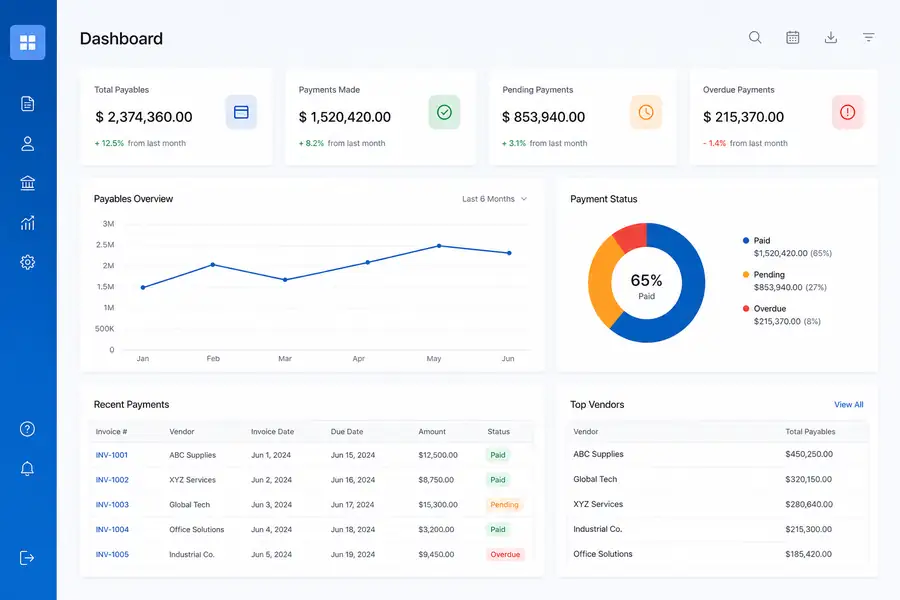
A vendor payment system works best when field spend and office bills run through the same books without separate manual steps. Clyr pairs card-based spend with real-time receipt capture and coding, so field purchases sync to QuickBooks the same day instead of surfacing as a surprise at month-end.
Paired with automated bill pay for office and recurring vendors, that covers both sides of vendor payments without forcing every vendor onto one rail. If you want to see how that works against your own vendor list, you can book a demo.
FAQs
What is a vendor payment system?
A vendor payment system is the combination of payment methods, approval workflow, and accounting integration a business uses to pay suppliers and contractors. It determines how a bill gets approved, which method sends the money, and how the transaction is recorded in the books.
What are the most common vendor payment methods?
The most common vendor payment methods are paper checks, ACH bank transfers, wire transfers, and corporate or virtual cards. Checks are slow but universally accepted, ACH is low-cost for recurring bills, wires suit large or urgent payments, and cards settle instantly for field and recurring purchases.
Should I use ACH or checks to pay vendors?
ACH usually costs less and settles faster, in one to three business days, making it the better default for recurring vendors who accept it. Checks still make sense for one-off vendors or subcontractors who have no other payment setup in place.
Does a vendor payment system need to integrate with accounting software?
Yes. Without a direct sync to platforms like QuickBooks, Xero, or NetSuite, someone has to re-enter every payment by hand, which slows the close and increases the chance of coding errors.
How much does a vendor payment system cost?
Cost depends on the pricing model rather than a fixed number: some platforms charge per user per month, others per transaction, and some bundle it into a broader expense or AP platform. Compare the model against your vendor volume, since a per-transaction fee that looks cheap can cost more than a flat plan once volume grows.