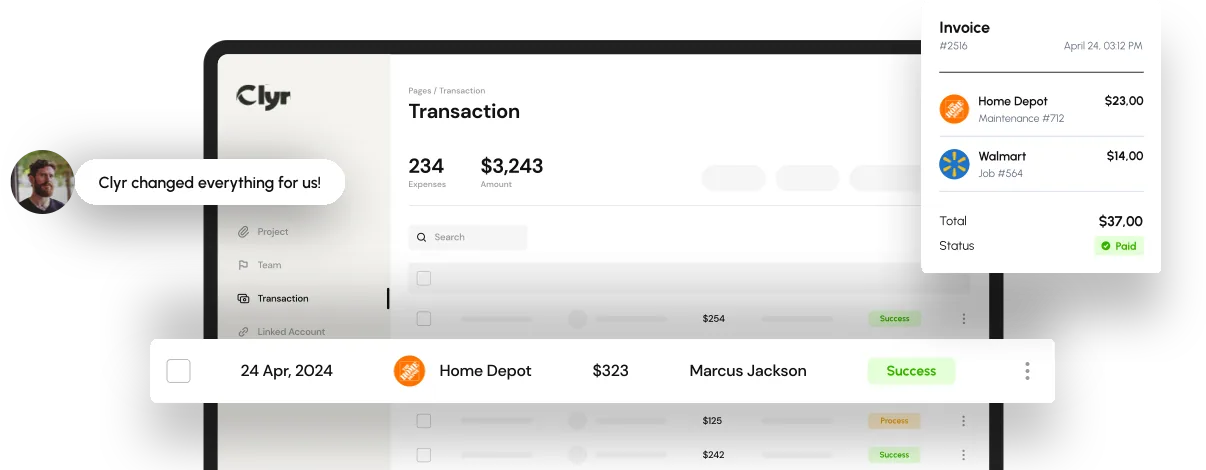

Expense reporting is supposed to be a simple financial task track an expense, attach a receipt, categorize it correctly, and send it for approval.
In reality, expense reporting is one of the biggest administrative headaches inside growing companies. Errors sneak in, receipts go missing, categories get mixed up, and employees often submit reports late or inconsistently.
For finance teams, these mistakes aren’t just inconvenient they lead to:
- inaccurate financial data
- blown budgets
- compliance issues
- frustrated employees
- longer month-end close cycles
The good news? Most of the chaos comes from a predictable set of issues. And yes technology like Clyr’s automated expense reporting can eliminate nearly all of them.
In this comprehensive guide, we explore the most common mistakes in expense reporting, why they happen, and how automation transforms the entire workflow.
Key Takeaways
- Expense reporting mistakes are almost always caused by manual processes, missing receipts, incorrect categorization, data-entry errors, and approval delays.
- Manual spreadsheets and email-based workflows create blind spots, slow month-end close, and increase the risk of inaccurate financial reporting.
- Understanding what expense reporting truly involves from documentation to coding to approval helps highlight the importance of structured workflows.
- Automated expense reporting eliminates most common errors by capturing receipts instantly, coding them with AI, and syncing data directly to accounting systems.
- Platforms like Clyr significantly reduce admin time through features such as smart categorization, automatic transaction matching, missing receipt reminders, and real-time reporting.
- Companies adopting automated systems typically save 40-70 hours per month, while improving policy compliance and reducing error rates to near zero.
- Automation strengthens financial visibility, giving teams access to real-time spending data, accurate job costing, and tighter budget control.
- Businesses across service, construction, field operations, and property management benefit most from automated expense reporting workflows.

What Is Expense Reporting?
Many employees understand expense reporting only as “sending receipts so I get reimbursed.”
But what is expense reporting from a financial perspective?
In accounting terms, expense reporting is the process of:
- Recording a business expense
- Providing proof (usually a receipt or invoice)
- Categorizing the expense under the correct account
- Ensuring compliance with internal policies and tax regulations
- Submitting the expense for approval
- Posting the expense to the accounting system
When this process is manual, mistakes are almost guaranteed. Automated systems like Clyr streamline every step capturing receipts instantly, coding them automatically, and syncing them into your accounting system without human effort.
How Does Automated Expense Reporting Work?
Before diving into common mistakes, it helps to understand how automated expense reporting works.
Platforms like Clyr use AI, OCR (optical character recognition), and two-way integrations to:
- Capture receipts instantly via SMS, email, mobile upload, or web portal
- Extract receipt data (vendor, date, total, tax, category, job code) with advanced OCR
- Auto-match receipts to card transactions
- Apply your company rules for coding, categories, and approvals
- Send reminders for missing receipts
- Sync into your accounting system in real-time
- Provide accurate, audit-ready reporting
This removes human guesswork and eliminates most reporting mistakes before they even happen.
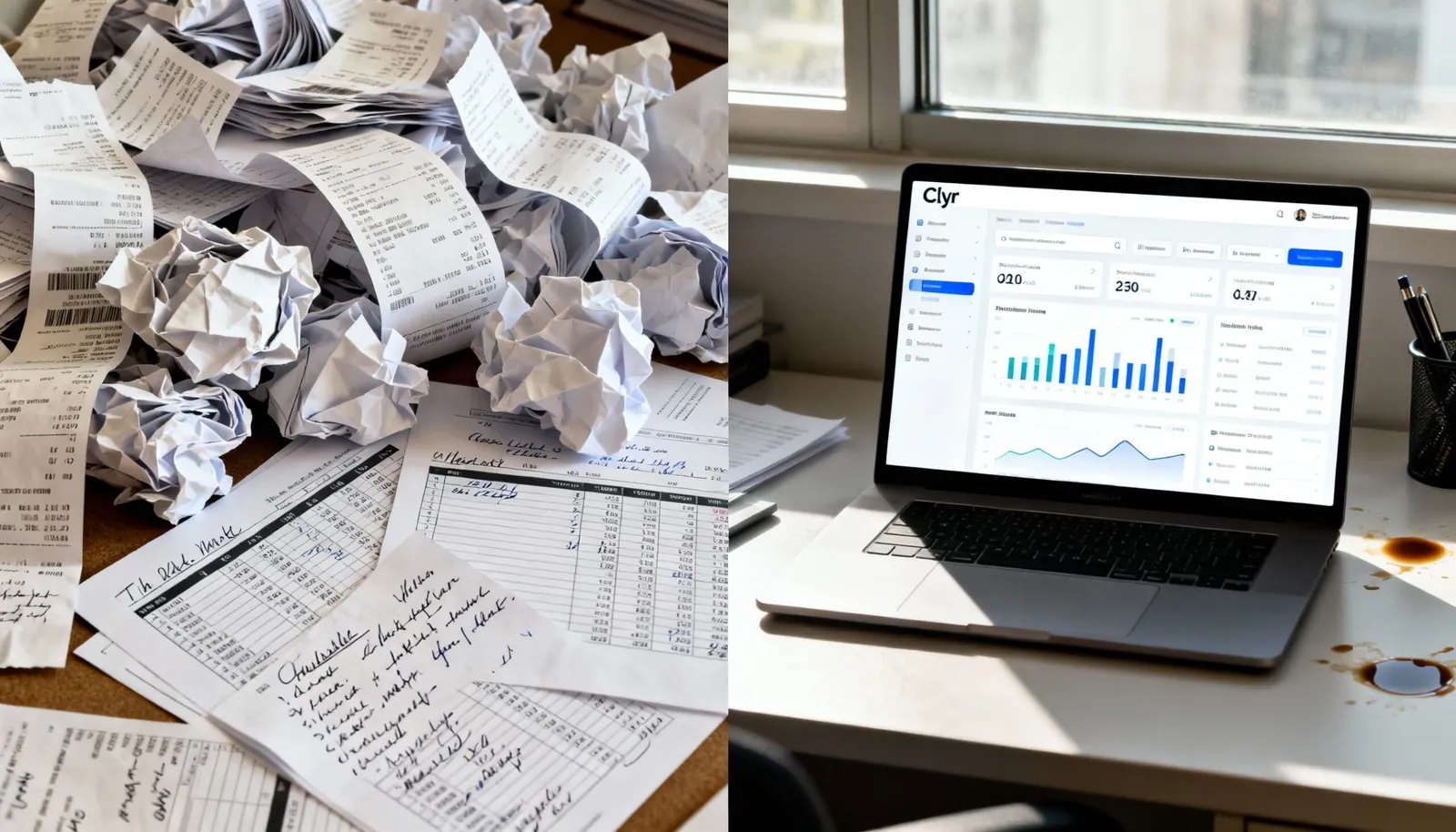
The Most Common Expense Reporting Mistakes
Below are the errors companies run into again and again regardless of size, industry, or structure. Spoiler: most of them come down to outdated tools and manual processes.
1. Missing or Lost Receipts
This is the #1 problem for finance teams.
Employees lose paper receipts, forget to send them in, or wait until the last minute.
Why it happens:
- Field staff make purchases on the go
- No standardized submission process
- Receipts sit in wallets, glove compartments, or inboxes
- Employees don’t receive reminders
The cost:
- Unreliable expense data
- Delayed reimbursements
- IRS/tax compliance issues
- Extra admin time chasing employees
How Clyr solves it:
Employees can submit receipts instantly through SMS or email, and Clyr automatically reminds them about missing receipts no chasing required.
2. Manual Data Entry Errors
Typing errors are inevitable when humans handle receipts one by one.
Common mistakes include:
- wrong amounts
- incorrect dates
- typos in vendor names
- selecting the wrong category
- manual entry into spreadsheets
The cost:
Even a small incorrect entry can snowball into budgeting discrepancies, inaccurate job costing, or misreported tax deductions.
Automation impact:
Clyr’s AI extracts accurate data automatically, eliminating manual data entry completely.
3. Incorrect Categorization
Misclassifying expenses might seem minor, but it harms financial clarity.
Examples include:
- coding travel meals as office supplies
- placing a contractor invoice under marketing instead of operations
- misallocating job costs
Why it happens:
- employees guess categories
- charts of accounts are too complex
- no automated rules
The fix:
Clyr learns your coding patterns and auto-categorizes expenses with up to 95% accuracy.
4. Submitting Expenses Late
Late submissions disrupt:
- cash flow planning
- monthly close timelines
- budget accuracy
- reimbursements
Why it happens:
- employees forget
- manual processes create bottlenecks
- receipts pile up
Clyr’s role:
Automated reminders and real-time capture prevent delays and keep your financial data current.
5. Double Submissions and Duplicate Expenses
It’s common for an employee to:
- submit the same photo twice
- upload a receipt and forward an email copy
- create separate reports for the same expense
Finance teams often catch these manually but not always.
Automated prevention:
Clyr identifies duplicate submissions instantly, removing them before they hit your ledger.
6. Policy Violations
Without policy visibility, employees may:
- exceed per-diem limits
- submit personal expenses
- use the wrong card
- forget required documentation
The hidden cost:
Policy violations lead to financial waste, friction, and sometimes compliance issues.
Automation advantage:
Clyr applies rules automatically flagging, blocking, or routing exceptions before approval.
7. Lack of Real-Time Visibility
Manual reporting creates blind spots. Finance cannot see:
- current spend
- department-level budget usage
- project/job costing trends
- upcoming liabilities
By the time numbers arrive, it’s too late to course-correct.
Clyr’s solution:
Real-time dashboards provide instant insight into company-wide spending.
8. Using the Wrong Cards or Accounts
Employees often buy with:
- personal cards
- outdated company cards
- cards not linked to the accounting system
This complicates reimbursements and recordkeeping.
Clyr advantage:
You can use any card, and Clyr tracks all transactions automatically including instant SMS notifications when a purchase happens.
9. Approval Bottlenecks
Managers often sit on expense reports for days (or weeks).
Why it happens:
- no standardized approval chain
- too many manual steps
- no reminders
- email threads get buried
Clyr eliminates this friction by sending automatic approval prompts and routing expenses through predefined workflows.
10. Spreadsheet Dependency
Spreadsheets work for a team of two.
They do not work for a team of 20.
Spreadsheet issues include:
- version control problems
- human errors
- formula mistakes
- slow processing time
- lack of scalability
- no audit trail
Clyr replaces spreadsheets entirely with real-time, automated expense reporting.
The Real Cost of Expense Reporting Mistakes
Financial mistakes don’t just cost money they cost time, morale, and trust.
Hidden costs include:
- rework and manual corrections
- slowed reimbursement cycles
- inaccurate job costing
- inflated vendor spend
- compliance issues during audits
- over-budget projects
- frustrated employees
Companies that switch to automated expense reporting typically see:
- 40-70 hours saved per month
- 80-90% reduction in manual entry
- near-zero error rates
- full receipt compliance
- faster month-end close
Clyr users consistently report measurable improvements in efficiency, accuracy, and team satisfaction.
How Clyr Prevents Every Major Expense Reporting Mistake
Clyr is built specifically to eliminate the problems that plague manual expense reporting.
Automated receipt capture
Submit receipts by SMS, email, or upload.
Real-time transaction notifications
Instant alerts when a purchase happens.
Smart AI coding
Accurate categorization every time.
Automatic matching to transactions
No more guessing which receipt belongs where.
Missing receipt reminders
Employees get notified automatically.
Two-way sync with accounting
No double entry ever.
Approval flows
Route expenses according to your policies.
Job costing tools
Attach expenses to specific projects instantly.
Full visibility
Finance teams see everything in real time.
Clyr doesn’t just fix expense reporting it rebuilds the system entirely.
The Real Difference Smart Automation Makes
The biggest misconception about expense reporting is that it’s a small administrative task. In reality, it shapes the accuracy of your financial statements, the speed of your month-end close, and the trust your team has in your internal processes. Most of the mistakes companies struggle with lost receipts, coding errors, inconsistent submissions aren’t signs of careless employees. They’re symptoms of systems that were never built to scale.
FAQs
Six steps: recording the business expense, providing proof such as a receipt or invoice, categorizing it under the correct account, checking it against internal policy and tax rules, submitting it for approval, and posting it to the accounting system.
Missing or lost receipts. Field staff buy on the go, there is no standard submission route and no reminders, so receipts sit in wallets, glove compartments and inboxes until the expense data is unreliable and reimbursements are already late.
It captures receipts by SMS, email, mobile upload or web portal, extracts vendor, date, total, tax, category and job code with OCR, matches each receipt to the card transaction, applies company coding and approval rules, and syncs into the accounting system in real time.
Spreadsheets work for a team of two, not a team of twenty. They create blind spots, slow the month-end close and leave finance unable to see committed spending until the numbers arrive too late to course-correct.
The article reports that companies adopting automated systems typically save 40 to 70 hours per month, while also improving policy compliance and the accuracy of job costing data.