Manual utility bills waste hours. Portals time out, auto pay hides errors, and mismatched units break your books. Clyr automates collection, coding, variance checks, and syncs clean data to your PMS
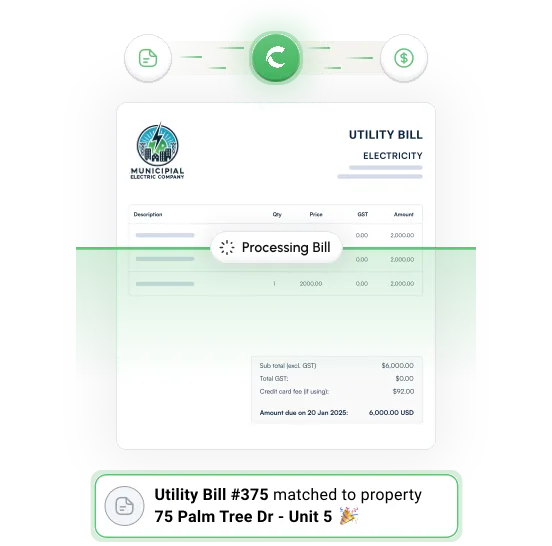
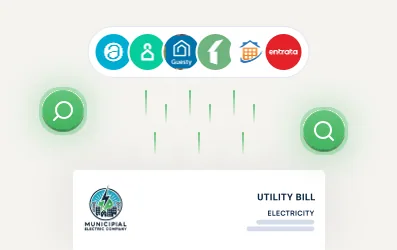
Clyr authenticates to utility portals, downloads bills, and organizes them by property and unit.
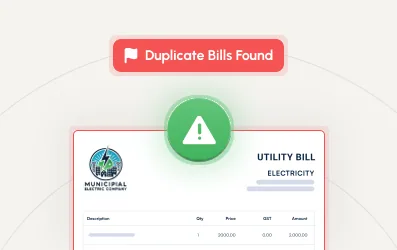
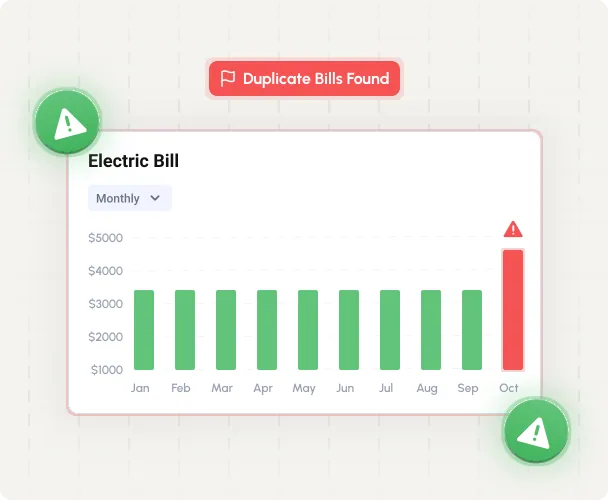
We flag bills that exceed the rolling average for that specific unit, so you catch leaks, seasonal spikes, or vendor mistakes before payment.
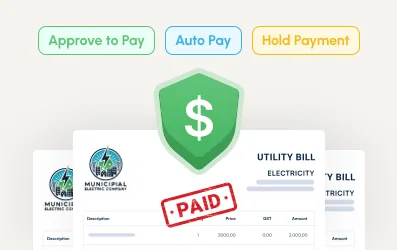
Approve in Clyr for payment. If the account is on auto pay, we detect it and mark the bill as paid to keep AP clean.
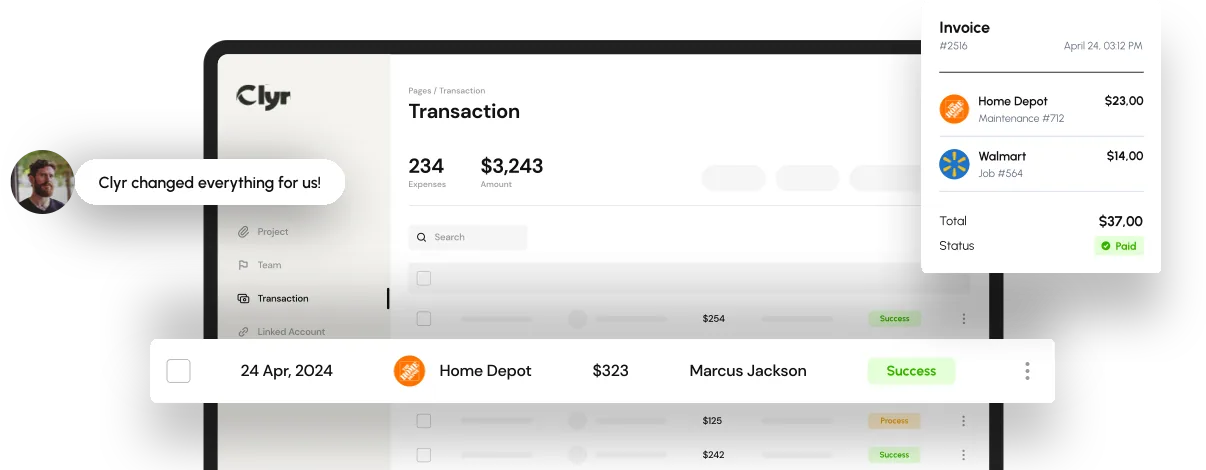
Every bill is coded and matched to the correct unit and property, then pushed into your Property Management System with full line-item detail.
Share read or pay-enabled credentials. We set secure access and fetch new bills daily.
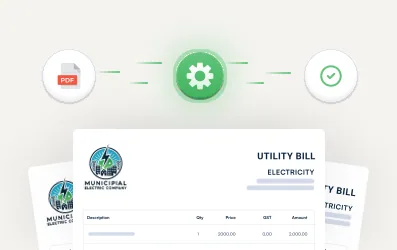
PDFs and statement data are pulled from each utility portal. Due dates and amounts are extracted and normalized.
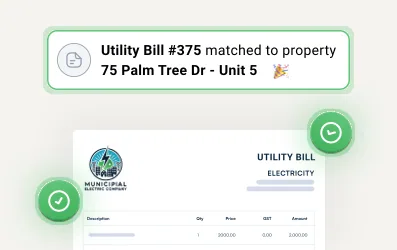
Clyr auto matches bills to the right unit and property using account numbers, service addresses, and your internal mappings.
We compare the charge against the trailing average for that unit. Anything above threshold gets flagged with context.
Select “Approve”, “Hold”, or “Auto-pay set”. Clyr pays approved bills or marks auto-paid bills as paid.
We sync the coded bill with attachments and audit trail into your PMS. Every bill is searchable in Clyr.
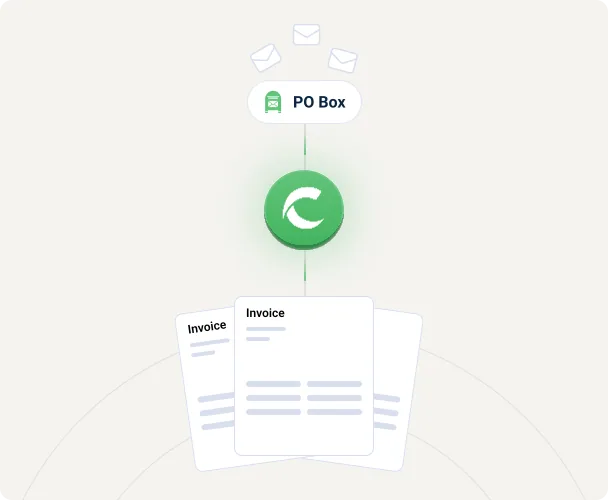
Use our dedicated PO box service. We scan physical utility mail the day it arrives, digitize it, code it, and upload to Clyr already matched to the right unit.
What gets captured:
Catch issues ahead of time:
| Feature | |
|---|---|
| Daily Bill Fetch And Re-attempt Logic | |
| OCR And Data Extraction From Pdfs | |
| Unit And Property Auto Match With Confidence Scores | |
| Rolling Average Alerts At Unit Level | |
| Payment Approvals And Pay Execution | |
| Auto Pay Detection And “Mark Paid” | |
| Pms Sync With Attachments And Memo Notes | |
| Full Audit Trail By User, Time, And Action | |
| Mail Scanning Via Po Box Intake | |
| Search By Address, Account Number, Unit, Vendor, Date, Amount |
Don’t See Yours? Ask Us!
More than 1.5M+ people are already preparing for their future
Anything we didn’t answer? Just let us know. Clyr is committed to being the leading Property Management expense management solution.
Yes. Approve in Clyr and we pay through your configured method. If the utility is on auto pay, we detect and mark as paid.
You share read or pay-enabled credentials once. Clyr sets up secure access and fetches new bills daily, pulling the PDF and the statement data, and re-attempting when a portal times out.
Clyr auto matches each bill using account numbers, service addresses, and your internal mappings, and returns a confidence score with the match so anything uncertain is quick to review.
Clyr compares every charge against the trailing average for that specific unit, and anything over your threshold is flagged with context. That is how hidden leaks, rate changes, duplicate or estimated bills, and move-out billing that was never shut off get caught before payment.
Yes, through PO Box Intake. Physical utility mail is scanned the day it arrives, digitized, coded, and uploaded to Clyr already matched to the right unit, capturing the bill image, remit page, account number, service period, due date, total, taxes, and fees.
Every coded bill is pushed into your PMS with full line-item detail, attachments, and memo notes. Clyr supports 20+ property management system integrations, and each bill stays searchable in Clyr by address, account number, unit, vendor, and date.
Every bill carries a full audit trail by user, time, and action, stored alongside the original bill image and remit page, so you can show exactly who approved what and when.