
 Approval workflows
Approvals that match how your company actually works
Set the policy once. Clyr routes every bill, card transaction, and reimbursement to the right approvers, in the right order, automatically.
What you get with ClyrA policy that runs itself, not from memory

Multi-step policies with real conditions
Route by amount, vendor, or who spent, with as many steps as your policy actually has.

Not just bills: card spend too
Card transactions run through approval policies, which most approval tools do not support.

One queue for approvers
Every pending request in one place, with the receipt, the coding, and the policy step attached.
The policy you already haveApproval workflow software that matches your org chart
Every company has an approval policy. In most of them it lives in people’s heads, which means it gets applied after the money is spent, inconsistently, and only when someone remembers to ask.
Clyr turns that policy into routing. Set the conditions (amount, vendor, who spent), chain the steps, and put as many approvers on a step as the decision needs. A $200 supply run and a $20,000 subcontractor invoice should not travel the same path, and with policy-based routing they do not.
 The card-spend wedge
Card transactions need approval too
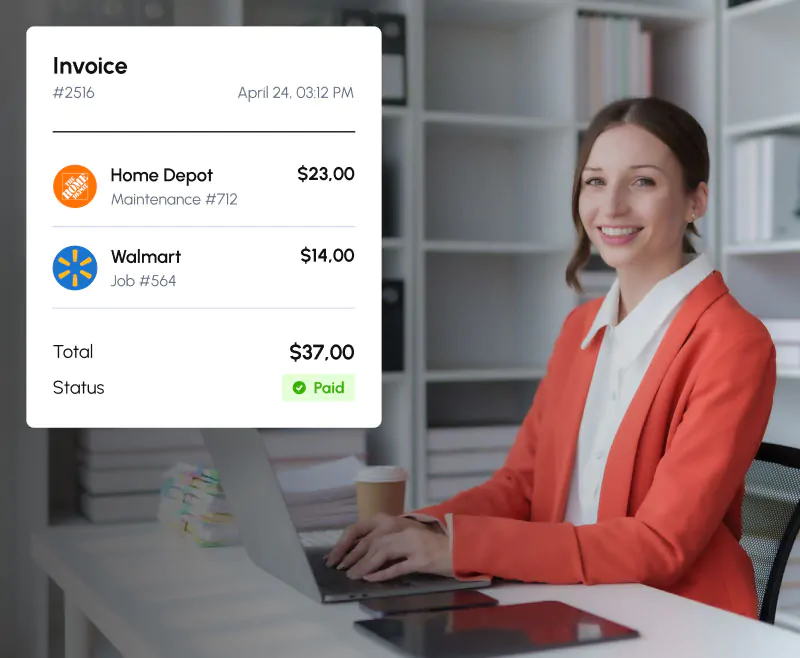
Most approval tools only gate invoices, which means card spend, often the majority of field-company transactions, goes straight to the books unreviewed.
And yes, the money already left. That is worth saying out loud, because the value of approving a card charge is not blocking the payment; it is everything that happens next.

The coding gets checked
Before it reaches your accounting platform, so the job, property, and account are right the first time.
The policy gets enforced
On the spend that usually escapes it, and the pattern shows up while people still remember the purchase.
Exceptions stay fixable
A personal charge gets flagged for repayment, a miscoded job gets moved, a duplicate gets stopped before it reaches a client invoice.
Reviewing after the swipe is not weaker control than blocking a payment. It is the only control that exists on card spend at all, and most tools do not even offer it.
The queueOne approval queue instead of email threads
Approvers get one queue of pending requests, each with the receipt image, the full accounting coding, and the policy step that put it there. No forwarded PDFs, no “did you see my email”, no invoice aging in someone’s inbox while a vendor waits.
Audit trailFaster approvals, cleaner audit trail
Because every decision happens in the system, your audit trail writes itself: who approved what, when, and under which policy step. When someone asks in October why a $12,000 invoice went through in March, the answer is on the record, not in a departed employee’s mailbox.
FAQFrequently asked questions
Can I route by amount?
Yes. A common setup is one approver under $1,000, two above it, and a final step for anything over $10,000.
Do card transactions go through approvals?
Yes, and most approval tools do not support this. Card spend runs through your policies the same way bills do.
Can different teams have different approval chains?
Yes. Policies route by conditions including who spent, so a chain can follow the person as well as the amount.
What do approvers see?
The receipt image, the full accounting coding, and the policy step that routed the request, all in one queue.
What is the point of approving a charge that is already paid?
Coding accuracy before it hits your books, policy enforcement on spend that normally escapes it, and early catch of exceptions like personal charges or duplicates. See Personal Charges on Company Cards.
How many approvers can a step have?
As many as the decision needs. Steps chain in order, and each step can hold multiple approvers.
Get a demoSee it on your own spend
Book a 20-minute demo. Tell us your approval policy as you would explain it to a new hire; we will build it as routing rules on the call and run your own spend through it.