
 Billable expenses & markup
Every billable cost, back on an invoice
Materials, subcontractors, permits: flag them billable the moment they are coded, apply markup on policy, and push them to client invoices and owner statements instead of eating them as overhead.
 What you get with Clyr
Flagged, marked up, and out the door

Billable at the line level
Any expense, or any single line of a split, can be flagged billable with its own billing amount.

Markup on policy
A percentage markup is applied automatically by your policy, so nobody has to remember it at invoice time.

Invoices and owner statements, documented
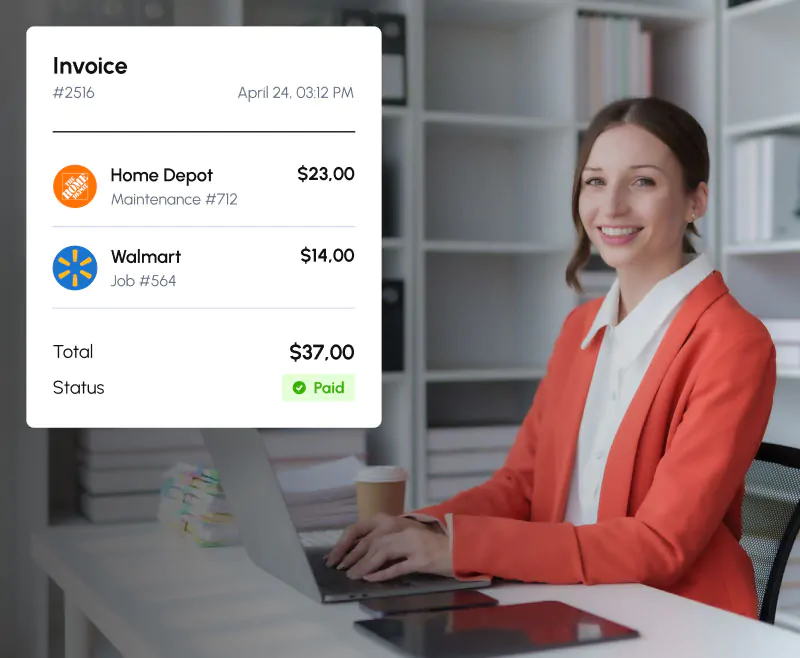
Billable costs flow to client invoices and owner statements with the receipt attached, so the number never arrives without its paperwork.
Where the money goesWhat billable expense income leaks look like
The leak is never one big number. It is a supply-house run coded to overhead because nobody flagged it, a permit fee that missed the invoice by two days, a subcontractor charge that got reimbursed but never billed back.
Clyr closes the gap where it opens: at coding time, while the purchase is still fresh, not at invoice time when nobody remembers whose cost that was.
At coding timeBillable is a coding decision, not an invoice-day scavenger hunt
When an expense is coded to a job, property, or client, flagging it billable is part of the same step. And it works at the line level: split one transaction across jobs, properties, or clients, and each split line carries its own billable flag and its own billing amount.
 BillableBillable
One Home Depot run for three jobs becomes three coded lines, two of them billable to two different clients, one absorbed as overhead. On purpose, visibly, at the moment someone still remembers what was for whom.
- Billable flag and billing amount at the line level
- Splits across jobs, properties, and clients
- Receipts attached to the billable line
 Markup
Markup that applies itself
Set a percentage markup in your policy and it is applied automatically when a cost is flagged billable. The person coding in the field does not calculate anything, and the person invoicing does not have to remember which client gets which rate. The math happens when the flag is set.
The percentage lives in your policy, not in somebody’s head.
The moment a cost is marked billable, the markup is already on it.
No margin lost to whoever happened to prepare the invoice that day.
 Where it lands
From coded cost to client charge
Property management
Billable costs sync into Rent Manager and Buildium owner statements with the documentation attached, so owners see the charge and the receipt behind it in the same place.
Accounting and field service
Billable lines flow to the client side of your connected platform, coded and documented, ready for invoicing.
Whatever the destination, the receipt travels with the number. Nobody has to defend a charge they cannot document.
See all integrations →FAQFrequently asked questions
What counts as a billable expense?
Costs you incur on behalf of a client and then invoice back, like materials, subcontractors, and permits. Clyr captures these at coding time so they reach the invoice instead of dying in your overhead.
How does markup work?
A percentage markup set in your policy is applied automatically when a cost is flagged billable.
Can one transaction be split between billable and non-billable?
Yes. Split a transaction across jobs, properties, or clients, and each split line has its own billable flag and its own billing amount.
Do billable costs reach owner statements?
Yes. For property managers, billable costs sync into Rent Manager and Buildium owner statements with documentation attached.
Does the client see the receipt?
The documentation travels with the charge, so the receipt behind a billable line is available wherever the line lands.
Where do I see what has not been billed yet?
Billable flags are part of coding, so reports filtered by job or client show billable lines alongside everything else. See Reports and Exports.
Get a demoSee it on your own spend
Book a 20-minute demo. Bring last month’s statement; we will flag what should have been billable and show you what it would have looked like on the invoice.