
Manual expense reporting costs businesses an average of $58 per report, with 19% error rates, while automation can reduce processing costs by 85% and errors by 50%.
This represents a compelling case for modernizing expense management, particularly for construction and property management companies where project-based tracking adds complexity.
QuickBooks offers basic expense functionality but significant limitations often require third-party integrations costing $19-45+ per user monthly, fundamentally changing the total cost equation for businesses seeking comprehensive expense management.
The research reveals that businesses using manual expense processes face substantial hidden costs: employees spend 20 minutes per report with an additional 18 minutes for error correction, creating a true cost of $68 per report when factoring in corrections.
Meanwhile, automated solutions achieve processing costs as low as $11 per report with 500% ROI commonly reported within 8-12 months.

Manual vs. Automated Expense Management Comparison
| Metric | Manual Processing | Automated Processing | Impact |
| Cost per expense report | $58-68 | $11 | 85% reduction |
| Error rate | 19-20% | <5% | 75% fewer errors |
| Processing time | 20 minutes | 10 minutes | 50% time savings |
| Approval cycle | 7.3 days | 3.5 days | 52% faster |
| Fraud detection time | 12 months | 6 months | 50% faster detection |
| Monthly hours saved | - | 47 hours | $54,600 annual savings |

Manual expense reporting creates massive inefficiencies across industries
The hidden time tax on your business
Time and cost impacts are severe across all business sizes. The Global Business Travel Association’s 2023 study found that 75% of employees spend over 15 minutes per expense report, with monthly processing consuming at least 1 hour per employee annually.
For small businesses, approval times average 7.3 days compared to 3.5 days for companies using automation.
Construction and property management companies face additional challenges with field workers submitting out-of-pocket expenses from remote locations and complex project-based categorization requirements.
Error rates compound financial risks
Error rates in manual systems consistently measure 19-20% of all expense reports, with each correction requiring an additional 18 minutes and costing $52 per error.
The Aberdeen Group found that 89% of finance leaders make decisions based on inaccurate or incomplete data, while 24% of expense reports fail to comply with corporate policies.
These errors compound in construction environments where project profitability depends on accurate job costing.
Fraud vulnerability in manual processes
Fraud prevention becomes critical as organizations lose 5% of annual revenue to fraud according to the Association of Certified Fraud Examiners.
Travel and expense fraud accounts for 14.5% of all corporate fraud cases, with 83% involving padded claims averaging $2,448 per fraudulent reimbursement.
Manual systems lack automated monitoring, extending median fraud detection time to 12 months versus 6 months with computerized systems.

QuickBooks’ native expense features fall short of business needs
Critical limitations in approval workflows
Significant limitations force expensive workarounds. QuickBooks Online limits approval workflows to the Advanced plan ($100+/month) with single-level approvals primarily for invoices, not comprehensive expense management.
The Desktop version discontinued its Scan Manager feature in 2022, forcing users to mobile apps with reliability issues including “100 bytes” file corruption and sync failures.
Mobile and security constraints
Mobile access creates security concerns as employees require admin-level permissions to submit expenses, preventing role-based access controls. Receipt upload suffers from 2MB attachment limits in Desktop and OCR accuracy issues requiring manual correction.
Performance degrades significantly with company files exceeding 500MB, while multi-user environments experience database bottlenecks. Real-time receipt capture solutions address many of these limitations through cloud-based processing.
The integration imperative
Integration becomes necessary but expensive. QuickBooks community forums consistently recommend third-party expense management solutions like Expensify, BILL, or Tipalti, adding $19-45+ per user monthly to the total cost.
These integrations address missing features, including multi-level approvals, advanced receipt processing, and comprehensive expense policies, but create additional complexity with two-way sync issues and duplicate data entry requirements.
The most critical limitations include:
- Approval workflows are restricted to expensive plans
- Mobile access control problems
- Discontinued Desktop features
- Limited native expense management requiring costly integrations
- Frequent sync problems and limited search functionality
- Inability to bulk delete expense entries

Construction and property management face unique complexities
Construction: Beyond basic job costing
Job costing accuracy remains challenging despite QuickBooks’ project tracking features. Construction companies struggle with overhead allocation, requiring manual percentage-based workarounds for office expenses and equipment depreciation.
Budget templates cannot be saved, forcing each project budget to be built from scratch. The system lacks automated overhead distribution, requiring manual allocation of indirect costs like insurance and administrative expenses. Advanced job costing solutions can automate these complex allocations.
Property management: Trust accounting challenges
Property management encounters trust accounting limitations as QuickBooks lacks proper account separation for rent disbursements and management fees.
Multi-property tracking requires complex setups using classes, locations, or sub-customers, while percentage ownership tracking becomes cumbersome.
The system provides no built-in tenant portal, lease management, or maintenance request tracking functionality. Specialized property management expense solutions address these industry-specific requirements.
Technical constraints for both industries
Class and location tracking restrictions limit operational flexibility. Only Plus ($40/month) and Advanced subscriptions support these features, with transactions restricted to one location per entry.
Balance sheet reports by class don’t balance properly, and simultaneous reporting by both class and location is impossible.
These limitations particularly impact construction companies tracking multiple job sites and property managers handling diverse portfolios.
Recent 2024-2025 updates include discontinuing Tags in favor of custom fields, enhanced AI-driven categorization, and improved bank feed matching.
However, core limitations persist, with API restrictions preventing full integration capabilities and custom field management remaining limited.

Best practices require systematic workflow implementation
Chart of accounts optimization
Successful QuickBooks expense management demands structured processes. The chart of accounts setup should use 6000-6999 numbering for operating expenses with detailed subcategories aligned to tax requirements.
Avoid over-segmentation beyond 2-3 levels deep while maintaining clear, descriptive naming conventions for user understanding.
Receipt management workflows
Daily receipt capture prevents 15-20% loss rates common with physical storage. Immediate photographing using QuickBooks mobile app or third-party scanning solutions maintains complete audit trails.
Weekly batch processing works for smaller volumes, but construction companies with field workers benefit from daily processing routines to prevent documentation gaps.
Leveraging automation features
Automation rules significantly reduce manual effort. Banking rules for recurring expenses, vendor profile setup with payment terms, and integration with bank feeds eliminate duplicate data entry.
Companies report a 60-70% reduction in processing time through automation implementation, along with a 40% improvement in accuracy from standardized procedures. Automated bill pay solutions further streamline accounts payable processes.
Key automation strategies:
- Banking rules: Auto-categorize recurring transactions
- Vendor profiles: Store payment terms and default accounts
- Bank feed integration: Eliminate manual transaction entry
- Batch processing: Handle multiple expenses simultaneously
- Custom fields: Track project-specific data automatically
Monthly closing procedures
Monthly closing procedures should include week-by-week reconciliation, expense categorization, variance analysis, and management reporting.
Quarterly reviews enable expense trend analysis, vendor performance evaluation, and budget adjustments based on actual performance patterns.
Industry benchmarks demonstrate a clear automation advantage
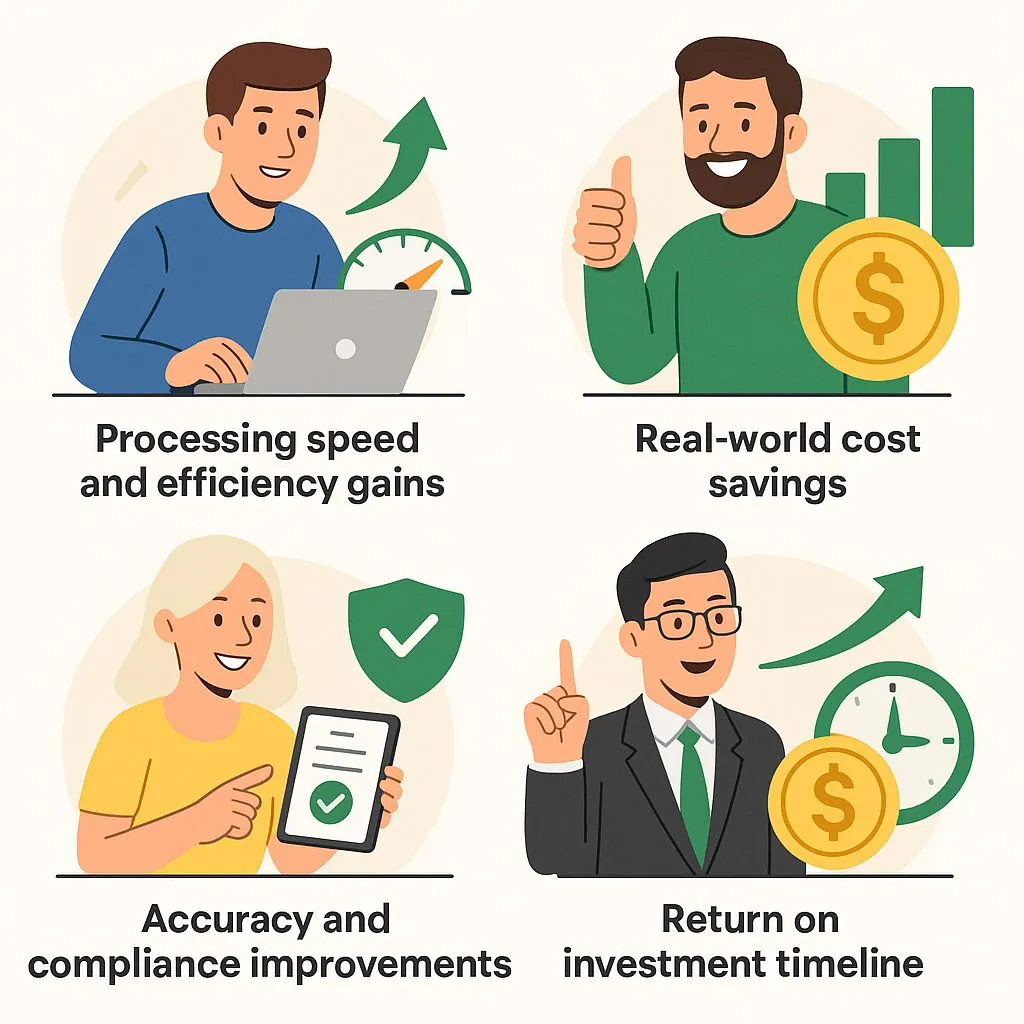
Processing speed and efficiency gains
Processing time benchmarks show dramatic differences. Manual systems require 20 minutes per expense report, versus automated systems, which achieve a 50% time reduction.
Aberdeen Group data shows best-in-class companies process reports 32% faster with automation, while approval times decrease from 7.3 days to 3.5 days average.
This efficiency gain particularly benefits service companies with mobile workforces and bookkeepers managing multiple clients.
Real-world cost savings
Cost savings prove substantial across implementations. Companies processing 500 monthly reports save $54,600 annually through automation.
PETRONAS reduced travel expenses by 20%, while the County of San Bernardino achieved 50% faster processing with 20% spend reduction. Bank of Queensland reported 70% of users saving 2.5-5 hours weekly through automation integration.
Accuracy and compliance improvements
Accuracy improvements eliminate costly corrections. Automated systems reduce error rates from 19-20% to under 5%, preventing $52 correction costs per error.
OCR technology achieves 95%+ accuracy in receipt data capture, while automated categorization reduces miscoding by 80%. Real-time policy compliance prevents violations before submission, improving adherence by 60-80%.
Return on investment timeline
ROI data consistently shows 500% returns with payback periods of 8-12 months for typical implementations.
Small to mid-size businesses achieve positive ROI within 8 months, saving average $49,000 annually. Enterprise implementations typically require 12-18 months for payback but achieve greater scale benefits.
Integration strategy becomes critical for comprehensive solutions
Third-party tools address QuickBooks gaps
Third-party expense management tools address QuickBooks limitations through specialized functionality. Knowify provides construction-specific project management with two-way QuickBooks integration, while Buildertrend offers document management and change order tracking.
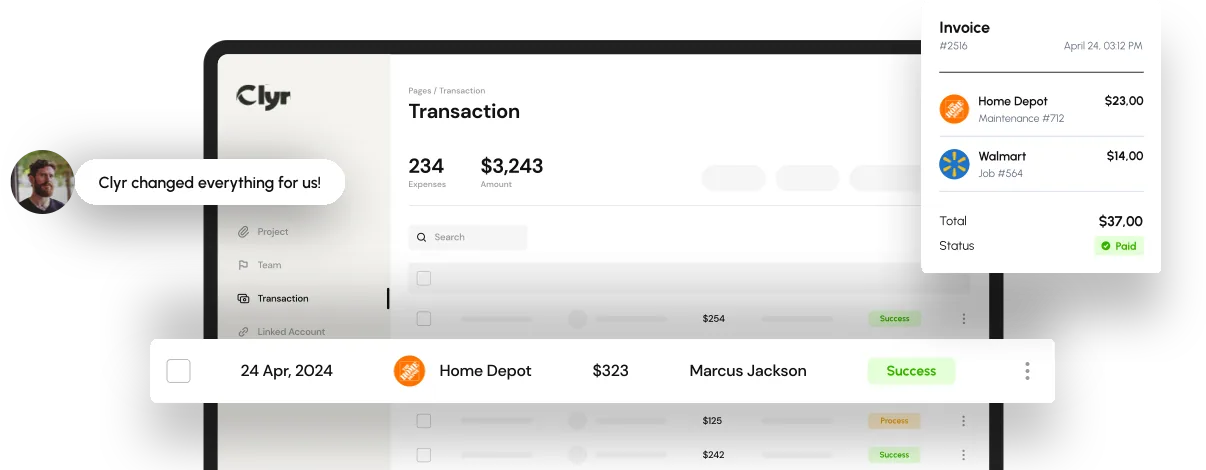
Clyr delivers real-time sync with automated expense coding, though users report frequent integration maintenance requirements.
Understanding API constraints
API limitations constrain integration quality. QuickBooks restricts custom field management and tags functionality, while rate limiting creates authentication errors during high-volume processing.
Construction management systems struggle with real-time synchronization and field mapping complexity between platforms.
Common integration challenges include:
- Rate limiting during peak processing times
- Custom field restrictions limiting data transfer
- Authentication timeout errors
- Two-way sync conflicts requiring manual resolution
- Limited batch processing capabilities
Total cost of ownership considerations
Total cost considerations include integration expenses. While QuickBooks subscriptions start at $30/month, comprehensive expense management requires Advanced plans ($100+/month) plus third-party tools ($19-45+ per user monthly).
This reality transforms QuickBooks from a low-cost solution to a platform requiring significant additional investment for full functionality.

Conclusion
The evidence overwhelmingly supports automation investment for businesses processing significant expense volumes. Manual QuickBooks expense management costs $58-68 per report with 19% error rates, while automated alternatives achieve $11 per report with 50% error reduction.
For construction and property management companies, job costing accuracy and multi-location tracking requirements make comprehensive expense management even more critical.
Organizations should budget for total solution costs including QuickBooks Advanced subscriptions and third-party integrations rather than relying on basic QuickBooks functionality.
The 500% ROI typically achieved within 8-12 months justifies initial investment, particularly given productivity gains of 25-40% and elimination of fraud risks averaging 5% of annual revenue.
Companies continuing manual processes face substantial competitive disadvantages through higher costs, reduced accuracy, and limited scalability for growth.
FAQs
About $58 per report, rising to roughly $68 once the extra 18 minutes of error correction is counted. Automated processing brings that down to around $11 per report, with 500% ROI commonly reported within 8 to 12 months.
Approval workflows are locked to the Advanced plan and are single-level, mobile submission requires admin-level permissions instead of role-based access, receipt uploads hit a 2MB limit in Desktop, Scan Manager was discontinued in 2022, performance degrades on company files above 500MB, and API restrictions cap what integrations can do.
For multi-level approvals, advanced receipt processing, and enforced expense policies, yes. Expect $19 to $45+ per user monthly on top of an Advanced subscription at $100+/month, which changes the total cost picture considerably from the $30/month entry price.
Overhead allocation has to be worked around manually, budget templates cannot be saved so every project starts from scratch, trust accounting lacks proper separation of rent disbursements from management fees, and multi-property tracking depends on classes or locations with only one location allowed per transaction.
Processing cost drops by about 85%, error rates fall from 19-20% to under 5%, approval cycles shorten from 7.3 days to 3.5, median fraud detection moves from 12 months to 6, and companies recover roughly 47 hours a month, worth around $54,600 a year at 500 reports monthly.