Quick answer: Job costing for contractors means tracking every labor hour, material purchase, equipment charge, and subcontractor invoice against the specific project that generated it, split across five standard cost categories: labor, material, equipment, subcontractor, and overhead. Done well, it shows per-job profit in real time. Skipped, contractors often discover only at closeout that a job bid to net 15% margin actually broke even or lost money.
Most construction companies still track costs by category across the whole business rather than by job, which hides which projects actually make money and which ones quietly lose it. This guide covers what job costing is, how construction job costing works in the field, and the setup that keeps the numbers accurate enough to run decisions on.
Key Takeaways
- Job costing for contractors tracks labor, material, equipment, and subcontractor costs against each project, not just company-wide totals.
- A company can look profitable overall while losing money on specific jobs, and never know it until year-end numbers land.
- Job cost accounting breaks each project into cost codes that roll up into a per-job profit and loss.
- Real-time cost capture, not month-end reconciliation, is what makes job costing usable for decisions mid-project.
- Change orders that never get coded back to the job are one of the most common, and most invisible, ways contractors lose margin.
What Is Job Costing for Contractors?
Job costing for contractors is the practice of assigning every cost on a project, labor hours, materials, equipment time, subcontractor invoices, and overhead, to that specific job so the numbers show what the project actually cost to build. The output is a job cost report: a running profit and loss for one project instead of the whole company.
Cost accounting by category alone tells you how much you spent on lumber this quarter. It does not tell you whether the Main Street remodel made money or the Oak Ave job ate the margin. Job cost accounting connects the spending to the specific job, which is the only view that tells a contractor which work to bid again and which to walk away from.
Why Contractors Struggle to See True Per-Job Profit
Most contractors lose visibility into per-job profit because costs get captured in the wrong place, or not at all, before they ever reach the accounting system. A foreman buys materials on a company card at a supply house, and the receipt either never makes it back to the office or comes back with no job number on it. A subcontractor invoice gets paid and filed under the vendor's name instead of the project it belongs to.
By the time someone in the office tries to reconstruct which costs belong to which job, weeks have passed and half the paper trail is gone. Field teams generate most project costs but rarely have the tools to code them accurately on the spot, which is exactly the gap that expense management for construction is built to close. It's also why more construction firms are automating expense management rather than relying on someone rebuilding the job cost trail from memory.
This is why a company can hit its revenue targets for the year and still not know which jobs actually made money.
How Construction Job Costing Works
Construction job costing works by splitting every project into standard cost codes, then tagging each transaction with the code and job it belongs to as the cost is incurred. The codes typically fall into five categories, and a complete job cost report totals all five against the original estimate.
The Five Cost Categories Every Job Cost Report Needs
| Category | What it covers | Common tracking gap |
|---|---|---|
| Labor | Crew hours billed to the job | Time not split across multiple jobs in a day |
| Material | Supplies and equipment purchased for the job | Receipts with no job number |
| Equipment | Owned or rented equipment time | Rental invoices coded to overhead instead of the job |
| Subcontractor | Invoices from trades and subs | Paid and filed by vendor, not by job |
| Overhead | Allocated share of office and admin costs | Applied evenly instead of by job size |
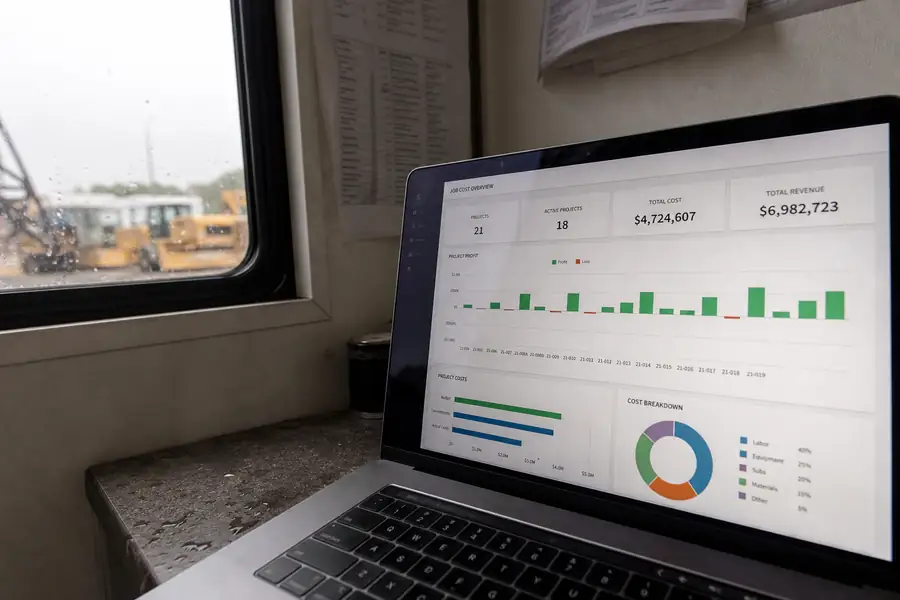
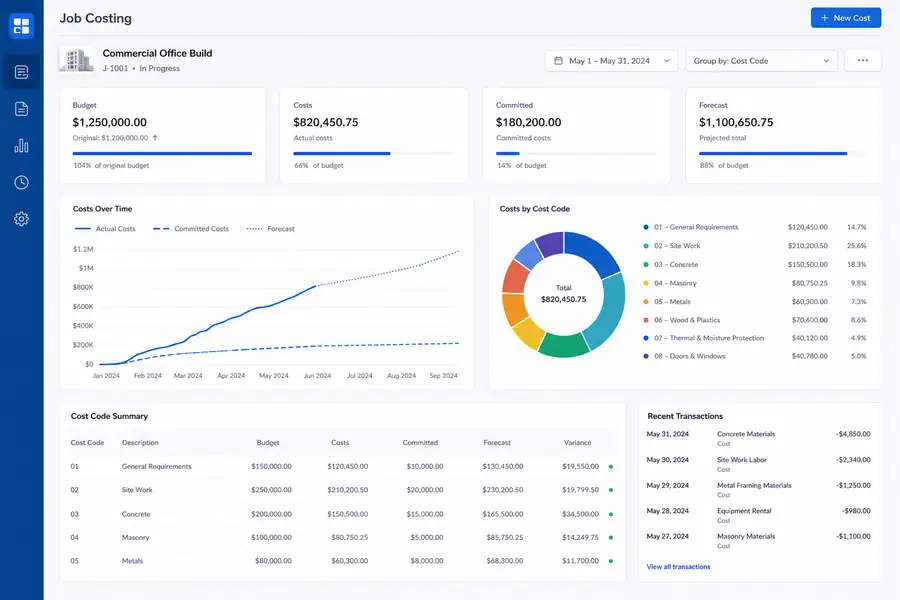
Once those five categories are tagged consistently, the job cost report becomes a real-time comparison, estimated cost per category against actual cost per category, updated as the job progresses instead of after it closes.
Job Cost Accounting: Setting Up Your System
A working job cost accounting system starts with cost codes, not software. Build a standard code list, labor, material, equipment, subcontractor, overhead, and apply it the same way on every job so reports are comparable project to project. Require a job number on every cost at the point of purchase, whether that's a card swipe, a receipt, or a subcontractor invoice, and reconcile weekly rather than monthly: a cost miscoded for four weeks is far harder to trace than one caught in four days.
Spreadsheets can run this process for a handful of jobs, but they break down once a company runs concurrent projects with multiple crews buying materials in the field. That's the point where most contractors move to dedicated job costing software that captures the job number at the moment of purchase instead of reconstructing it later.
Common Job Costing Mistakes Contractors Make
The same handful of mistakes account for most of the profit that disappears between the estimate and the closeout report.
- Coding change orders to overhead: extra work gets absorbed into general costs instead of billed and tracked against the job that generated it.
- Splitting crew time by memory: labor hours get allocated across jobs at the end of the week based on guesswork instead of what was actually worked.
- Letting receipts pile up: a shoebox or inbox of receipts gets coded weeks later, by which point nobody remembers which job the lumber was for.
- Treating job costing as a closeout task: reviewing the numbers only after the job wraps leaves no chance to correct a cost overrun while it's still happening.
How Clyr Simplifies Job Costing for Contractors
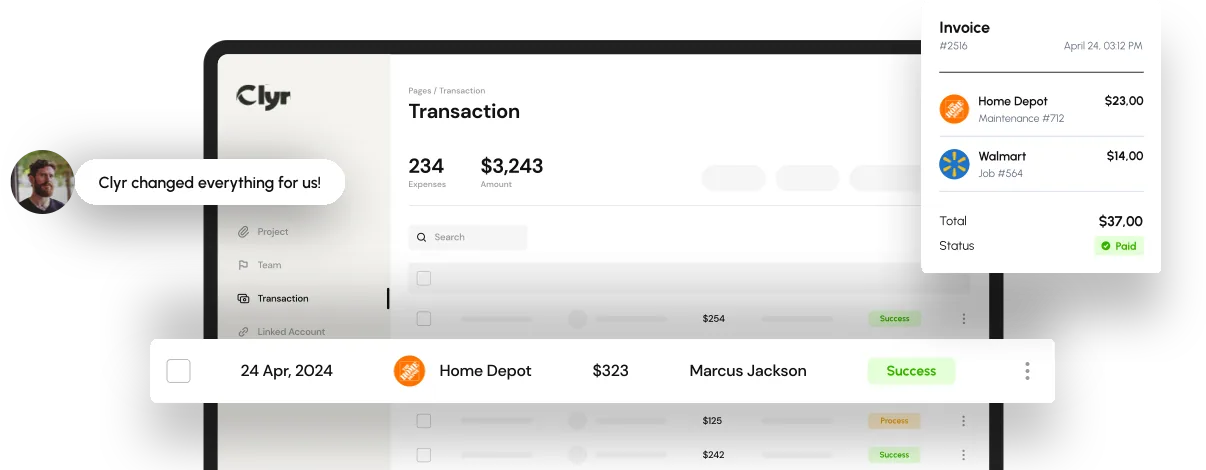
Clyr handles the part of job costing that breaks down first: getting the job number attached to the cost before the receipt disappears. Field teams capture receipts and card transactions on their phones as spend happens, and each transaction gets coded to the right job, cost code, and category in real time instead of weeks later.
That coded data syncs directly to QuickBooks, so the office isn't re-keying transactions or chasing down which job a subcontractor invoice belongs to. Clyr's job costing and profitability tools roll that field-level data up into a per-job report automatically, and the QuickBooks integration keeps the accounting system current without a manual export step.
For contractors running multiple jobs with crews buying materials on-site, that real-time link between the field and the books is usually the difference between a job cost report you trust and one you have to double-check. If you want to see it against your own jobs, you can book a demo.
FAQs
What is job costing in construction?
Job costing in construction is the practice of tracking labor, material, equipment, subcontractor, and overhead costs against a specific project so the contractor can see the real profit on that job rather than only the company's overall numbers. It turns spending data into a per-project profit and loss.
How do you calculate job cost for a construction project?
Add up actual labor, material, equipment, subcontractor, and allocated overhead costs recorded against the job, then compare that total to the original estimate and the contract price. The difference between the estimate and the actual cost, by category, shows exactly where a job gained or lost margin.
What's the difference between job costing and regular bookkeeping?
Regular bookkeeping tracks costs by category across the whole business, such as total materials spend for the month. Job costing tracks the same costs but tags each one to the specific project it belongs to, so profit can be measured job by job instead of only company-wide.
Why do contractors lose money on jobs even when the company looks profitable?
A company's overall numbers can hide underwater jobs when strong-margin projects offset weak ones in the same reporting period. Without job costing broken out by project, a contractor has no way to see which specific jobs are losing money until it's too late to fix the bid or the crew allocation on that project.
Does job costing software integrate with QuickBooks?
Most modern job costing tools built for contractors sync directly with QuickBooks so job-coded transactions post to the general ledger without manual entry. This keeps the accounting system and the job cost report showing the same numbers instead of requiring a separate reconciliation step.