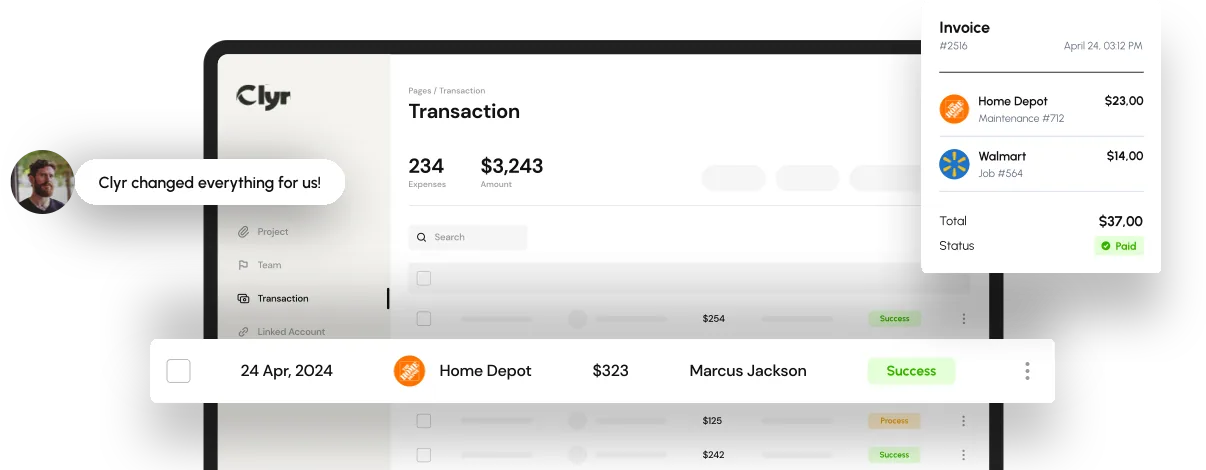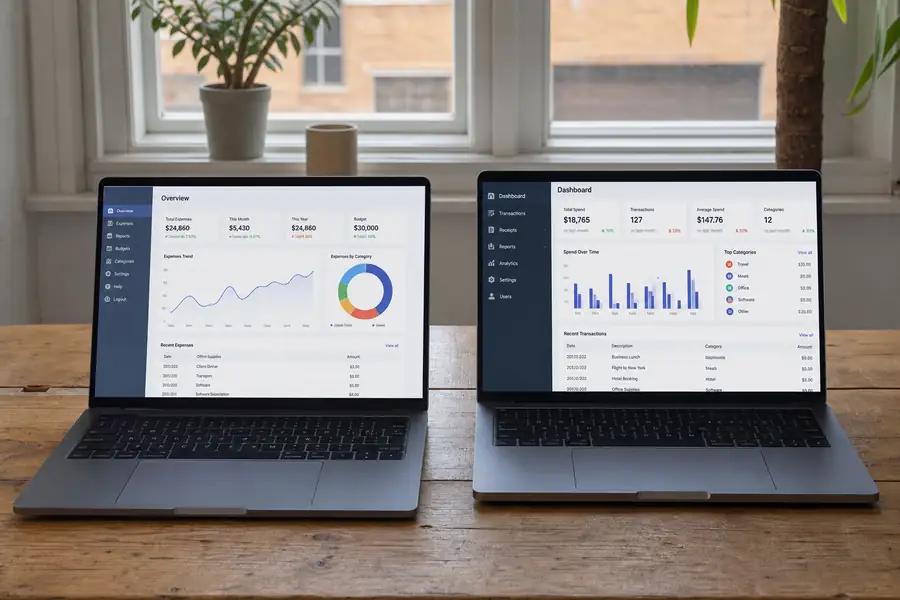
Expense management is the process a company uses to track, approve, and pay for the money employees and vendors spend on its behalf, covering everything from receipt capture and coding through approval and reimbursement or payment. It covers everything that happens between an expense occurring and that expense landing correctly on the books.
The expense management meaning is broader than "tracking receipts." It spans every dollar an employee, contractor, or vendor spends on the company's behalf: a field tech's gas and parts run, a consultant's client dinner, a property manager's vendor invoice for an HVAC repair. Modern expense management software automates most of that process instead of leaving it to spreadsheets, paper receipts, and email chains.
What Does Expense Management Cover?
Expense management covers five connected pieces: capturing the expense, coding it, routing it for approval, paying or reimbursing it, and reporting on it afterward. Miss any one piece and the process breaks down somewhere, either at the point of purchase or at month-end close.
- Capture: the receipt, invoice, or card transaction gets recorded, ideally the moment it happens rather than weeks later.
- Coding: the transaction is assigned to the right general ledger (GL) account, the accounting category a transaction belongs to, such as travel, materials, or software, and often to a specific job or client.
- Approval: the expense routes to a manager or controller based on amount, department, or policy rules before it's paid.
- Payment or reimbursement: the vendor gets paid directly, or the employee who covered the cost gets reimbursed.
- Reporting: the transaction is exportable and auditable, so finance can close the books without chasing down what a charge was for.
How Does Expense Management Work, Step by Step?
Expense management works as a sequence: an expense happens, it gets captured, coded, approved, and paid, then synced to accounting. In a manual setup, a person does each handoff by hand. In an automated setup, software does most of the handoffs on its own.
- An employee or vendor incurs a cost (a purchase, a card swipe, a bill).
- The receipt or invoice is captured, either photographed on a phone or pulled in electronically.
- The transaction is coded to the right GL account and job or project.
- The coded transaction routes to the correct approver.
- Once approved, the vendor is paid or the employee is reimbursed.
- The final record syncs to the accounting system for reconciliation.
Most of that sequence now runs through technology built specifically for expense management rather than a shared spreadsheet passed between departments.

Why Does Expense Management Matter for Growing Businesses?
Expense management matters because unmanaged spend costs a business more in hours, errors, and late closes than the software to fix it ever does. A ten-person company can often survive on a shared spreadsheet. A two-hundred-person company cannot, because the problem shifts from "can we track this" to "can we enforce policy and route approvals fast enough that nothing sits for weeks."
Spreadsheets do not scale past a handful of employees submitting expenses. Approvals stall when there's no mobile way to review and approve on the spot. Stale, hand-entered data means the finance team reconciles the same numbers twice, once when the expense is submitted and again at close.
Manual vs. Automated Expense Management
The gap between manual and automated expense management shows up most clearly in how long each step takes and how much gets missed. A manual process depends on someone remembering to submit, code, and chase a receipt. An automated one captures and codes most of that as the transaction happens.
| Step | Manual process | Automated expense management |
|---|---|---|
| Receipt capture | Paper or forwarded email | Photo or auto-pull at time of purchase |
| Coding | Hand-entered by finance later | Auto-coded to GL account and job |
| Approval time | Days to weeks | Hours, often from a phone |
| Error and duplicate risk | Higher, manual entry | Lower, fewer touchpoints |
| Month-end close | Slower, more reconciling | Faster, data already synced |
Expense Management Across Industries
What expense management needs to do changes by industry, even though the basic steps stay the same. Construction and field service crews spend on job sites, so receipts have to be captured on a phone in the field and coded to the correct job for accurate job costing, the practice of tracking costs against a specific project. Clyr's expense management for construction teams is built around that reality.
Property managers need spend split and tagged per property or unit, since one vendor invoice might cover repairs across several buildings. Non-profits need spend mapped to grants and funds instead of just GL accounts, because a funder wants to see exactly what their money paid for.
Choosing Expense Management Software for Your Business
The right expense management software fits how your team actually spends, not just how many features it lists. A long feature list that doesn't match your workflow, your integrations, or your team size will get worked around within a few months, and you'll be back on a spreadsheet for the parts it missed.
Integration with your accounting system matters more than the interface. If a tool doesn't sync directly with QuickBooks, Xero, or NetSuite, someone on your team re-keys every transaction by hand, which erases most of the time savings. Clyr syncs directly through its QuickBooks integration so coded transactions land in the books without a second pass. For a fuller breakdown of what to weigh, our guide to small business expense management software walks through pricing models, must-have features, and rollout steps.
Clyr is built for exactly the gap manual processes leave open: real-time card and receipt capture and coding for teams spending in the field, not just the office, with data that's already coded and synced by the time it hits your books. If you want to see how that workflow would run for your team, you can book a demo.
FAQs
What is the difference between expense management and expense reporting?
Expense reporting is one piece of expense management: the step where an employee submits what they spent. Expense management is the full process around it, including coding, approval, payment or reimbursement, and reporting for the audit trail.
What is the difference between expense management and spend management?
Expense management usually refers to employee and vendor spend that needs to be tracked, coded, and reimbursed or paid. Spend management is a broader term that can include company card spend, procurement, and vendor payments across the whole business, not just individual expenses.
Does expense management software integrate with accounting software like QuickBooks?
Most modern expense management software integrates directly with accounting platforms like QuickBooks, Xero, or NetSuite, so coded transactions sync automatically instead of being re-entered by hand. That direct sync is one of the biggest factors in whether a tool actually saves the finance team time.
Is expense management only necessary for large companies?
No. Small businesses and even solo operators benefit from tracking and coding expenses correctly, mainly for accurate books and tax deductions. The tools and level of process typically get more structured as headcount grows and approval routing becomes necessary.
What does GL coding mean in expense management?
GL coding means assigning a transaction to the correct general ledger account, the accounting category it belongs to, such as travel, materials, or software. Accurate GL coding is what makes financial reports and month-end close reflect what actually happened.