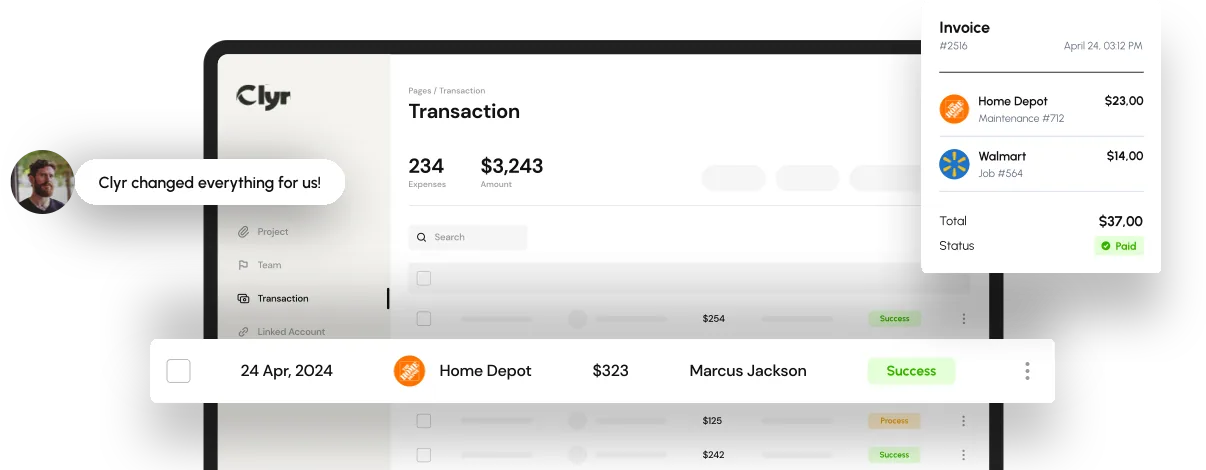
Quick answer: To track job costs in real time, capture labor, material, and subcontractor spend the moment it happens through mobile receipt capture and job-assigned cards, then route each transaction to the right job code and sync it into your accounting system the same day. That daily turnaround is what separates real time job costing from the traditional version, where costs surface weeks after the money is already spent.
Most contractors and property managers don't have a job costing problem, they have a timing problem. The spend happens on a job site on Tuesday and the finance team finds out about it three weeks later, buried in a stack of receipts or a credit card statement. By then the job is already over budget and there's nothing left to do but explain why.
This gap hits construction and field service companies hardest, because spend happens across dozens of job sites at once, not in one office.
What You Need to Track Job Costs in Real Time
Real time job costing requires a system that captures spend at the source, not a faster way to process last month's receipts. Before you can track job costs as they happen, put these pieces in place.
- Job cost codes mapped to your chart of accounts: every job needs a code structure that matches how your accounting system reports profitability, set up before the first dollar is spent.
- Job-assigned cards or virtual cards: spend tied to a specific job and crew at the point of purchase, not reconciled after the fact.
- Mobile receipt capture: a way for field staff to photograph a receipt from the truck or the site, the moment they pay.
- Automatic coding rules: logic that assigns a category and job code to each transaction without someone typing it in later.
- A direct accounting sync: a connection to QuickBooks, Sage, or your ERP that posts coded costs the same day, not in a batch at month end.
How to Track Job Costs in Real Time: Step-by-Step
Once those pieces exist, tracking job costs in real time comes down to a repeatable sequence. Follow these steps for every job.
- Build the cost code structure before the job starts. Break the budget into the categories you'll actually compare against: labor, materials, equipment, subcontractors, so every future transaction has somewhere to go.
- Assign spend to the job at the point of purchase. Give the crew lead or PM a card tied to that job so the charge lands in the right place before it ever reaches accounting.
- Capture the receipt immediately, not at week's end. A photo taken at the register beats a shoebox of paper on Friday, and it's the step most teams skip.
- Let the system code the transaction automatically. Amount, vendor, and job code should populate on their own using rules set up in advance, which is the core of advanced job costing and profitability tracking.
- Sync coded costs to your accounting system the same day. A same-day sync, not a monthly import, is what makes real-time accounting possible and keeps job cost reports current.
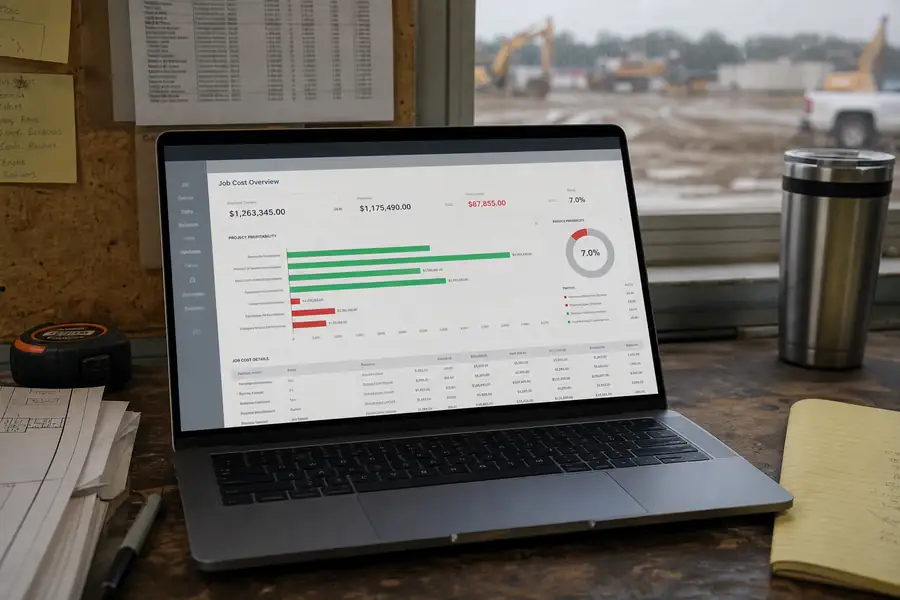
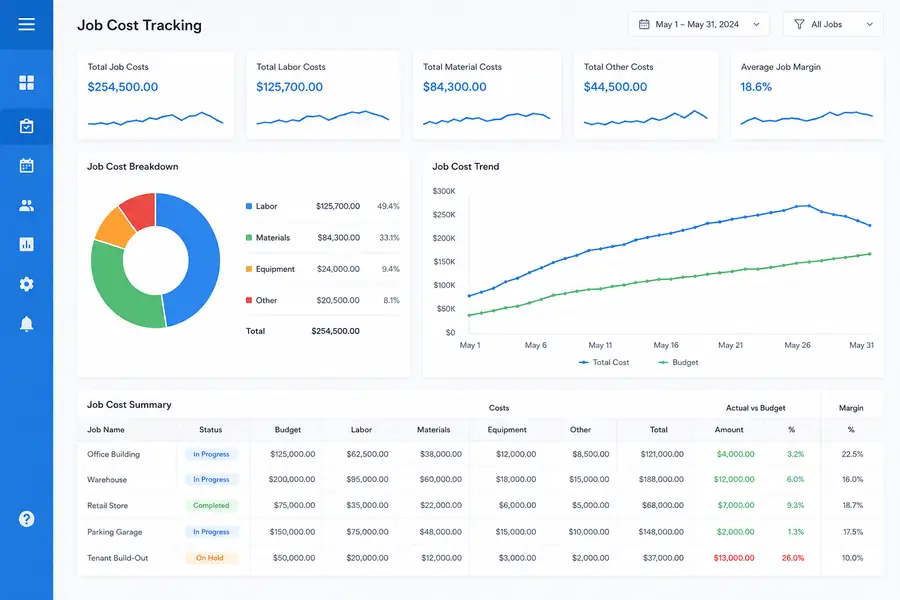
- Compare budget to actual weekly, not at close. Pull the job cost report every week while there's still time to adjust crew hours, order fewer materials, or flag a subcontractor overrun.
Common Job Costing Mistakes That Delay Visibility
Most job costing delays come from the same handful of habits, not from a lack of software.
- Coding costs in batches at month end: waiting until close to assign job codes means the job is already finished by the time anyone sees the number.
- Losing track of spend across multiple sites: crews juggling several active jobs often charge the wrong job code or lose the receipt entirely. Our guide on tracking expenses across multiple job sites covers how to fix that.
- Relying on spreadsheets and manual re-entry: every manual keystroke is a chance to miscode a job or duplicate an entry.
- Treating job costing as a monthly report instead of a daily habit: a report that only runs once a month can't catch an overrun until it's too late to change course.
Real Time Job Costing vs Traditional Job Cost Tracking
Real time job costing and traditional job cost tracking differ mainly in when the numbers become visible, and that gap decides whether a PM can still act on them.
| Factor | Traditional Job Costing | Real Time Job Costing |
|---|---|---|
| When costs post | Weeks after purchase, at reconciliation | Same day as the transaction |
| Data entry | Manual, from paper receipts or statements | Automatic, captured at point of sale |
| Budget-to-actual visibility | Monthly, often after the job is done | Daily or weekly, while the job is active |
| Error rate | Higher, from re-keying and miscoding | Lower, coding rules apply automatically |
Where Clyr Fits for Real-Time Job Costing
Clyr handles the parts of real time job costing that usually break down in the field: cards issued per job, receipts captured on a phone the moment a crew member pays, and coding rules that assign the job and category automatically instead of waiting for someone in the office to guess. Coded transactions post to QuickBooks the same day, so a PM checking a job cost report on Wednesday is looking at Wednesday's numbers, not last month's. For teams running several active jobs at once, that same-day sync is the difference between catching an overrun mid-project and explaining it after the fact. If you want to see how that looks for your jobs specifically, you can book a demo.
FAQs
What is real time job costing?
Real time job costing is the practice of recording labor, material, and subcontractor costs against a specific job as soon as they happen, rather than batching them at the end of the week or month. The goal is a budget-to-actual report that reflects what a job actually costs today, not what it cost several weeks ago.
How often should I check job costs?
Most teams get real value from checking active job costs weekly, with a quick daily glance on jobs running close to budget. Waiting for a monthly report almost always means finding an overrun after the job it affects is already finished.
Can QuickBooks track job costs in real time?
QuickBooks can track job costs, but it only shows what has been entered, so the timing depends on how quickly transactions get coded and synced into it. Pairing QuickBooks with a tool that captures and codes spend at the point of purchase is what makes the job cost data in QuickBooks actually current.
Do I need special software to track job costs in real time, or can I use spreadsheets?
Spreadsheets can track job costs, but they depend on someone manually entering every receipt and card charge, which is exactly the delay that makes job costs surface late. Software that captures spend automatically at the point of purchase removes that manual step and is what actually makes tracking job costs in real time possible.