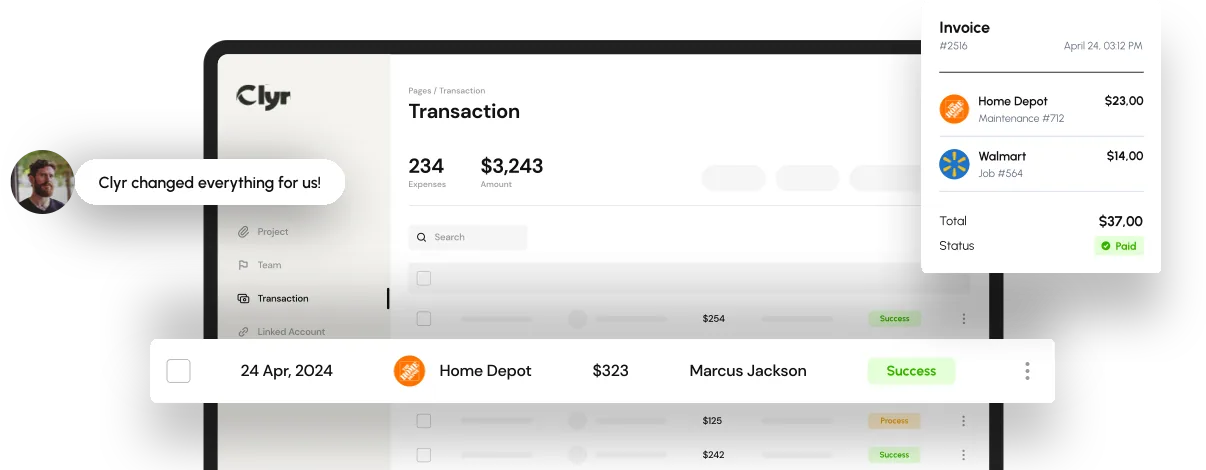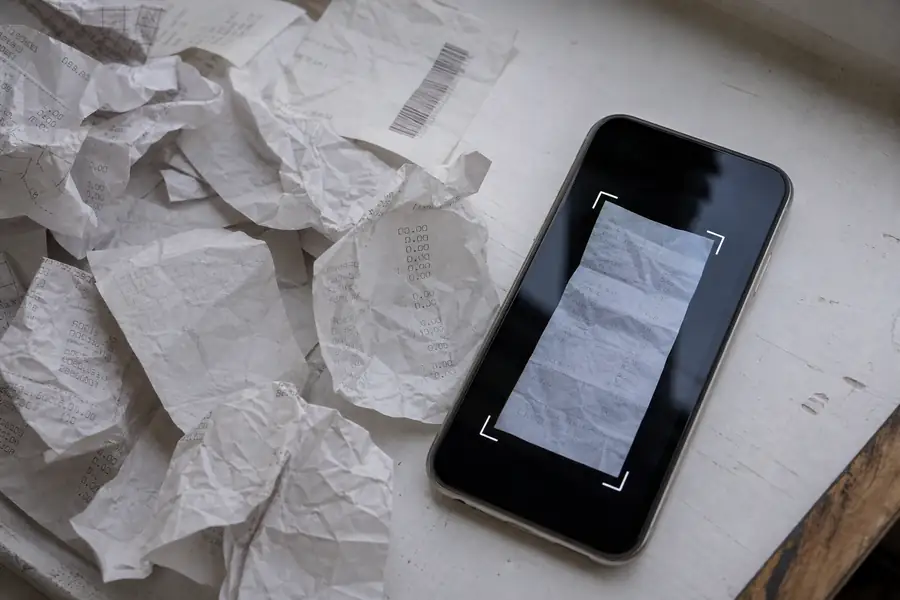
Organizing business receipts means capturing every purchase the moment it happens, tagging it to the right job or expense category, and storing it somewhere you can search by date, vendor, or project. Do that consistently and tax season takes an afternoon. Skip it, and you end up digging through trucks, wallets, and email attachments trying to reconstruct a year of spending.
Most businesses do not lose receipts because employees are careless. They lose them because the system for collecting receipts was never built for how the work actually happens: on job sites, in trucks, between properties, on the road. Fix the system and receipt organization stops being a March scramble.
Key Takeaways
- Capture at the point of purchase: a photo taken within minutes beats a paper slip found weeks later.
- Tag every receipt to a job or category: untagged receipts are the ones that go unclaimed.
- Keep records for at least three years: longer if a return understated income.
- Separate business and personal spend: mixed card use is the top cause of missing documentation.
- Reconcile monthly, not annually: monthly checks catch gaps while memory and receipts are still fresh.
What Counts as an Organized Business Receipt System
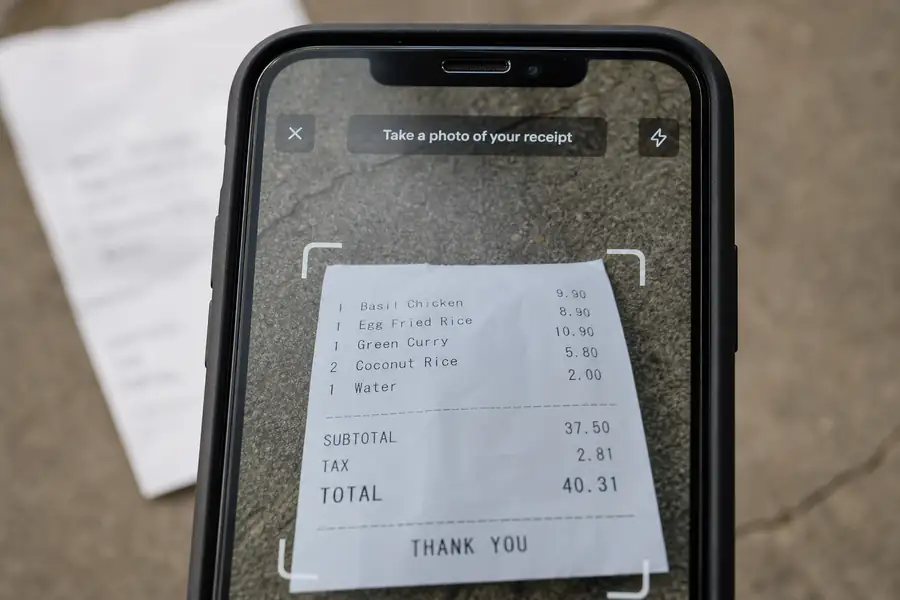
An organized receipt system captures a receipt for every business purchase, links it to the transaction and job it belongs to, and keeps it retrievable for as long as tax authorities can reasonably audit the return, generally three years from filing, longer if income was substantially underreported.
Not every receipt qualifies as proof, either. A receipt is itemized when it lists each product or service, the price of each line, the vendor's name, and the date, not just the total charged on a card slip. Our guide to what is an itemized receipt breaks down exactly what auditors and accountants look for.
Why Business Receipts Get Scattered Before Tax Time
Receipts scatter because they get created in more places than any single system tracks. A crew buys materials at a supply house, a technician grabs gas on the way to a call, a property manager pays a contractor in cash. Each of those receipts lands in a different pocket, glovebox, or inbox.
Paper receipts fade in direct sunlight and dissolve in a wet truck bed. Email receipts get buried under hundreds of unread messages within a week. Our post on how to keep track of receipts covers the daily habits that prevent this, but the short version is that receipts need to leave the field the same day they are created, not the same month.
How to Organize Business Receipts Step by Step
Organizing business receipts is a sequence, not a single habit. Skip a step and the whole system leaks.
- Capture immediately: photograph or scan the receipt within minutes of the purchase, before it gets lost or crumpled.
- Tag it to a job or category: note the project, client, or expense type while the details are still fresh.
- Separate business from personal: use a dedicated card for business purchases so receipts never mix with personal spending.
- Store it centrally: one searchable system, not a mix of folders, inboxes, and a shoebox in the truck.
- Reconcile monthly: match receipts to card statements every month so gaps surface before they become a tax-season problem.
Receipt Organization for Field Teams and Crews
Field teams need receipt organization more than desk-based staff because spend happens away from any office. The best system fits the job site, not the accounting department.
Construction crews
Materials and equipment receipts need to be coded to a specific job the moment they are purchased, a practice known as job costing. A foreman who photographs a lumber yard receipt from a phone and tags it to the job number avoids the end-of-month guessing game over which project absorbed the cost. Clyr's expense management for construction page covers how crews handle this at scale.
Property managers
Costs need to split cleanly by property or unit, since one manager might oversee a dozen buildings with separate owners and budgets. A receipt organization system that cannot tag spend to the right property forces someone to re-sort everything by hand before it ever reaches the books. Clyr's expense management for property management page covers how that split-by-property tagging works.
Paper Receipts vs Digital Receipts: What to Keep
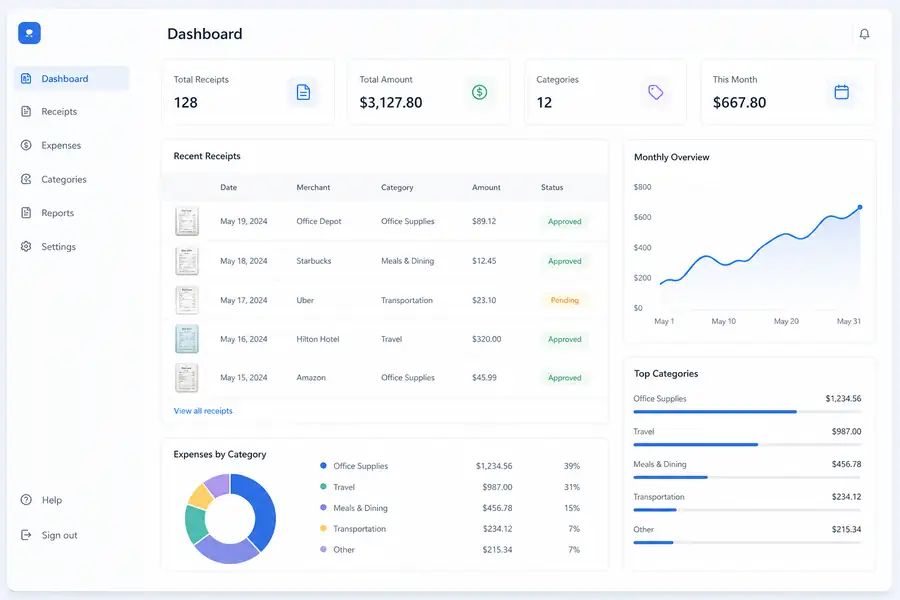
Digital receipts hold up better than paper for organizing business receipts because they do not fade, tear, or get left in a truck cab. Clear scanned or photographed copies are generally accepted as valid records, so there is rarely a reason to keep a fragile paper original once it has been captured.
| Storage method | Search speed | Field-friendly | Audit-ready |
|---|---|---|---|
| Shoebox or glovebox | Very slow | Low | Poor, receipts fade |
| Email folder | Slow | Medium | Fair, easy to lose track |
| Spreadsheet with scans | Medium | Low | Good, if kept current |
| Card + app auto-capture | Fast | High | Strong, timestamped and coded |
Common Mistakes When Organizing Business Receipts
- Waiting until month-end to file receipts: details about the job or client get forgotten within days.
- Using one card for business and personal spending: reviewers have to manually pick apart every statement.
- Storing receipts in more than one place: a folder here, an inbox there, and nothing gets fully reconciled.
- Keeping only the card slip, not the itemized detail: a total with no line items rarely satisfies an audit.
- Relying on memory for job coding: a receipt with no project tag becomes unbillable spend.
Where Receipt Organization Gets Easier With the Right Tools
Manual systems break down as a team grows past a handful of field employees, simply because there are more receipts than any one person can chase down. Real-time receipt capture and coding solves this by having each purchase photographed and coded to a job the moment it happens, on the card or the phone, so nothing waits for month-end. Clyr also syncs coded transactions directly to QuickBooks, which means receipts arrive already organized instead of needing a second pass before the books close.
If your team is still chasing paper receipts across trucks and inboxes, see how receipt capture works in a live demo.
FAQs
What is the best way to organize business receipts?
The most reliable method is to photograph or scan each receipt immediately, tag it to a job or expense category, and store it in one searchable system rather than paper folders or scattered email attachments. Reconciling those receipts against card statements every month, instead of once a year, keeps the system from falling behind.
How long should I keep business receipts?
Most businesses should keep receipts for at least three years from the date a tax return is filed, which is the standard window used for most audits. If a return understates income by 25 percent or more, that window extends, so it is safer to keep digital copies longer than the minimum.
Should I keep paper receipts or switch to digital?
Digital receipts are generally the better choice because they do not fade, tear, or get lost in a truck or wallet, and clear scanned or photographed copies are typically accepted as valid records. Once a paper receipt has been captured digitally and the image is legible, there is little practical reason to keep the original.
Can bank or credit card statements replace receipts?
No. A bank or credit card statement shows that a charge happened, but it does not show what was purchased, which is what an itemized receipt provides. Auditors and accountants generally need the itemized detail, not just the total amount charged.
How can field employees submit receipts without losing them?
The most practical fix is capturing the receipt with a phone camera at the point of purchase and tagging it to the job right then, rather than saving paper receipts to sort out later. Teams that use card and app based capture tools see far fewer missing receipts than teams relying on employees to hold onto paper until they get back to an office.