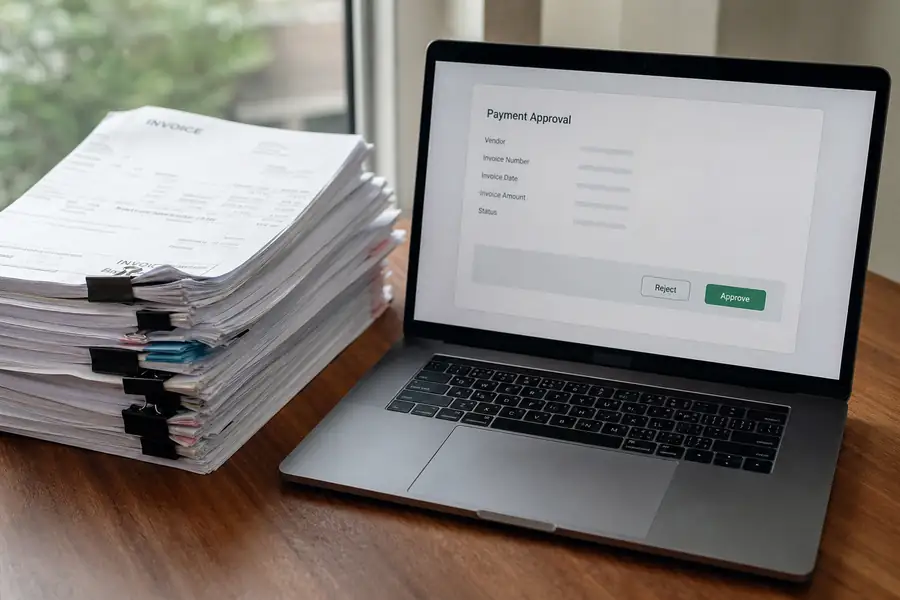
An invoice approval workflow is the set sequence of steps an invoice moves through, from receipt to payment, so someone verifies and signs off on it before money leaves the business. A solid invoice approval process routes each invoice to the right reviewer based on amount, vendor, or job, matches it against a purchase order or receipt, and logs every step for the audit trail.
Done well, invoices move in a day or two. Done poorly, they sit in an inbox for weeks, or someone with signing authority approves them without checking anything, which is exactly how controls get bypassed.
Key Takeaways
- Standard invoice approval process: capture, code, match, route, approve, pay, and record.
- Stalled approvals: usually trace back to a single approver, manual routing, or no visibility into where an invoice sits.
- Bypassed controls: happen when the workflow is slower than the workaround, so people skip steps to keep operations moving.
- Tiered thresholds: route small invoices to fast, low-friction approval and reserve manager review for larger amounts.
- Field and multi-location teams: need mobile approval and automatic coding by job or property, not email chains.
The Steps in a Standard Invoice Approval Process
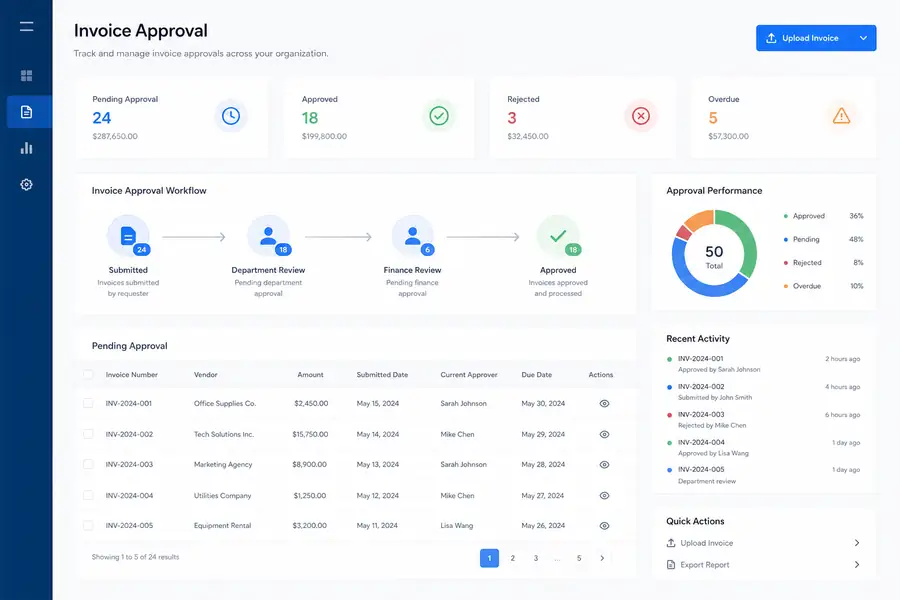
A standard invoice approval process has seven steps, and skipping any one of them is usually where the trouble starts.
- Capture: the invoice arrives by email, mail, or vendor portal and gets logged into the system.
- Coding: the invoice gets assigned to a general ledger account, job, property, or cost center.
- Matching: the invoice is checked against a purchase order and receiving record. This is called three-way matching, and it confirms the invoice, the order, and the delivered goods or services all agree before anyone approves payment.
- Routing: the invoice moves to the correct approver, or approvers, based on amount or department.
- Approval or rejection: the approver signs off, sends it back with questions, or rejects it outright.
- Payment release: AP schedules and issues payment once approval is complete.
- Record keeping: the approval trail, dates, and supporting documents are stored for the audit.
Most delays happen between steps three and five. An invoice that is not matched correctly sits waiting for someone to chase down a purchase order, and an invoice with no clear approver just sits.

Why Invoice Approval Workflows Stall and Bypass Controls
Invoice approval workflows stall when routing depends on one person's inbox instead of a rule. If that approver is traveling, on a job site, or simply behind, every invoice behind them backs up too. There is no visibility into where the bottleneck actually is until someone asks why a vendor has not been paid in six weeks.
Controls get bypassed for a related reason: the workflow is slower than the workaround. If a manager knows an invoice will take three weeks to clear normal approval, and the vendor is threatening to stop work, the manager pays it directly or asks a controller to override the process. Each override might be reasonable on its own, but a pattern of overrides means the approval process is not actually controlling anything.
Static routing is the other common failure. Email-based approval, where an invoice PDF gets forwarded manually, has no record of who saw it, when, or whether it sat unopened for a week. There is no audit trail beyond a scattered email thread, which is a real problem the first time an auditor or lender asks for one.
Invoice Approval Workflow Best Practices
The best invoice approval workflows share a few specific habits, not a long feature checklist.
- Set thresholds by dollar amount: invoices under a set amount, often $500 to $1,000 depending on company size, route to one approver; larger invoices require a second sign-off.
- Route automatically by job, property, or department: the system assigns the approver based on the coding, so no one manually decides who should see it.
- Require matching before routing: an invoice that has not been matched to a purchase order or receipt should not reach an approver's queue at all.
- Name a backup approver: every threshold needs a second name attached so one person's vacation does not stall payments.
- Keep the trail automatic: approvals, comments, and timestamps should log themselves, not depend on someone remembering to note it.
The same logic applies beyond invoices. Clyr's expense approval workflows route employee expense submissions by amount and category so approvers only see what falls inside their authority, which keeps small purchases moving fast without opening the door to unchecked spend.
Invoice Approval for Field Teams and Multi-Location Businesses
Field and multi-location teams break generic approval workflows because the person who needs to approve an invoice is rarely at a desk. A construction superintendent approving a materials invoice from a job site, or a property manager clearing a repair bill for one of a dozen units, needs the invoice coded correctly before it ever reaches them.
Property managers in particular deal with invoices that have to split across properties and unit-level budgets, which is exactly the kind of allocation that breaks down in a spreadsheet-based process, as covered in this guide to streamlining accounts payable for property managers.
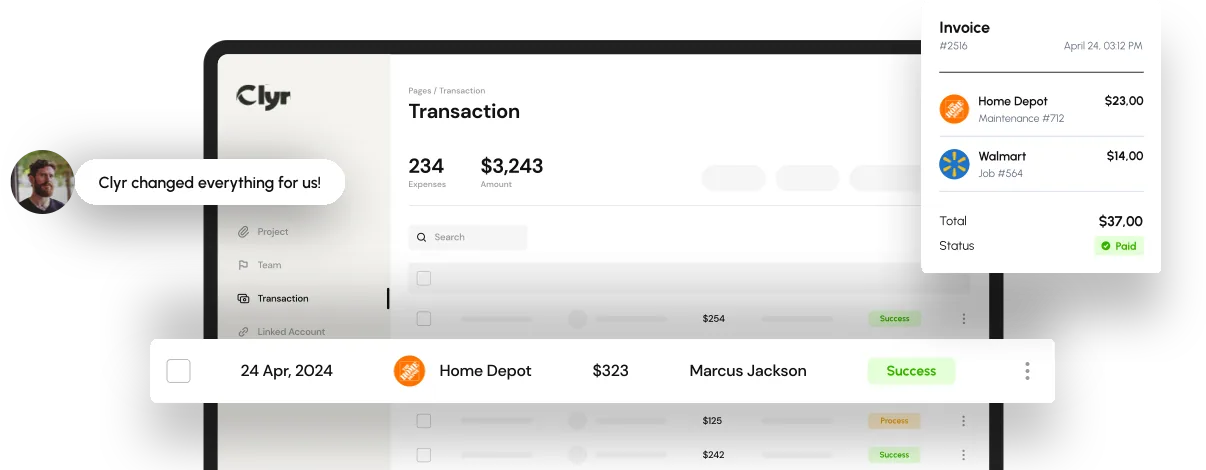
Clyr's fully automated bill pay and accounts payable workflow captures invoices and coded card transactions in the field, applies the right approval routing automatically, and syncs the completed record to QuickBooks or other accounting platforms, so nothing gets re-keyed once it clears approval.
Choosing Invoice Approval Software
The right invoice approval software fits the way your team already codes and pays invoices, rather than forcing a new process on top of it. Look for configurable approval thresholds, mobile approval so field managers are not stuck waiting for a laptop, native matching against purchase orders, and a direct sync to your general ledger so approved invoices post without manual entry.
A feature list alone will not tell you whether a tool fits. For a full walkthrough of what to weigh and how the leading options compare, see this handbook for selecting accounts payable software.
If you want to see how automated coding, routing, and approvals would work against your own invoice volume, you can book a demo of Clyr's AP automation.
FAQs
What is an invoice approval workflow?
An invoice approval workflow is the defined sequence a business uses to review and sign off on an invoice before paying it, typically including capture, coding, matching against a purchase order, routing to an approver, and final payment release. It exists to confirm an invoice is accurate and authorized before money goes out.
How many approval levels should an invoice require?
Most small and mid-sized businesses use one to two approval levels, with a single approver clearing invoices under a set dollar threshold and a second sign-off required above it. Adding more than two levels usually slows payments without meaningfully improving control.
What causes invoice approval delays?
Delays most often come from routing that depends on one person's inbox, invoices that were never matched to a purchase order, or no backup approver named for when someone is unavailable. Manual, email-based routing also makes it hard to see where an invoice is stuck.
Can invoice approval be automated?
Yes. Automated invoice approval software applies coding rules, routes invoices to the correct approver based on amount or job, and logs the full approval trail without manual handling, which is faster and more consistent than email-based approval.
What's the difference between invoice approval and expense approval?
Invoice approval covers bills from vendors for goods or services billed to the company directly, while expense approval covers purchases employees make and submit for reimbursement or card reconciliation. Both need routing and thresholds, but they typically run through separate workflows since the source documents and approvers differ.