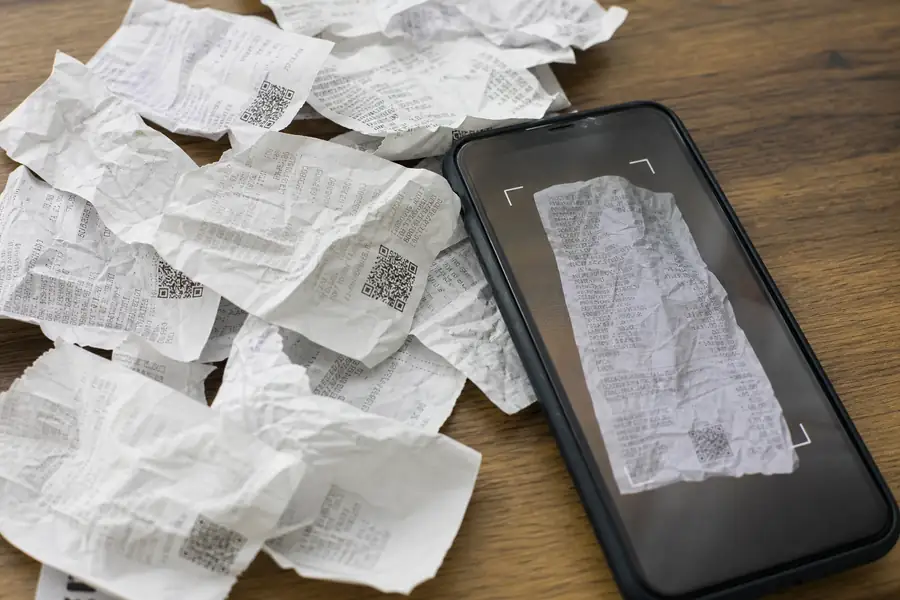
Quick answer: To digitize receipts, photograph or scan each one right after the purchase with a phone app or receipt scanner, capture the vendor, date, amount, and itemized detail, then save the file to cloud storage or expense software instead of a shoebox. The IRS accepts clear scans or photos as valid tax records as long as you keep them for at least three years.
That's the whole job on paper. The hard part for field teams is doing it every time, before a receipt fades in a truck cupholder or gets balled up in a jacket pocket for a month.
What You Need to Digitize Receipts
Digitizing receipts for taxes takes almost no special equipment: a smartphone camera or a dedicated scanner, decent lighting, and one place to store the files that isn't a mixed folder of texts and screenshots.
- A smartphone or scanner: any modern phone camera captures enough detail for tax purposes, so long as the shot isn't blurry.
- A capture app or expense platform: something that timestamps and stores the image automatically instead of leaving it stranded in a photo library.
- Even lighting and a flat surface: shoot straight down on a flattened receipt so the vendor name, date, and totals aren't cut off or glared out.
- A consistent storage spot: one cloud folder or accounting system, not a mix of email attachments, text threads, and camera rolls.
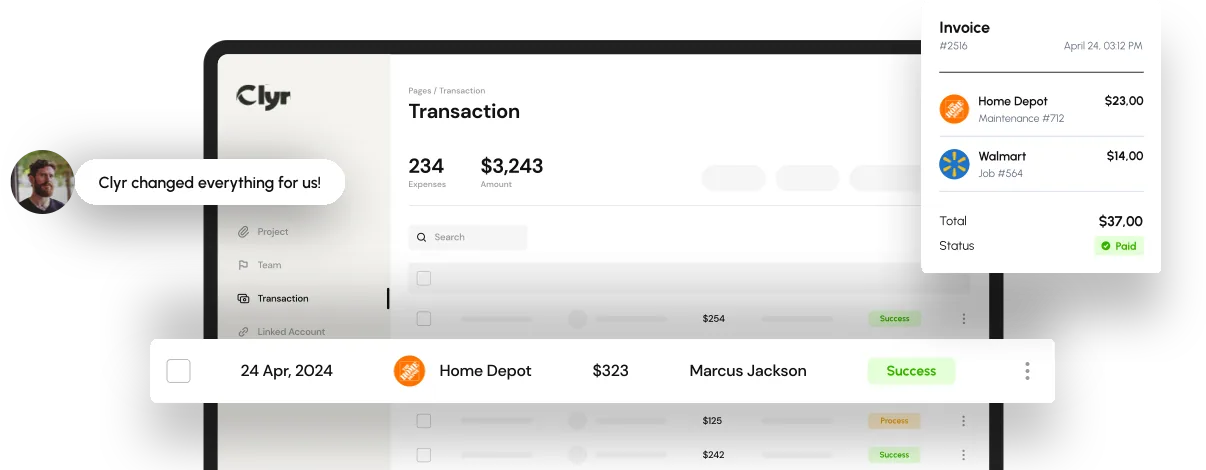
Field crews, service techs, and delivery drivers generate more paper than office staff, and they're the ones most likely to skip a step when the process is manual. Software like Clyr's real-time receipt capture and coding tool removes that risk by capturing and coding the receipt the moment a card is used, so nothing depends on someone remembering to scan it later that night.
How to Digitize Receipts for Taxes: Step-by-Step
These six steps are the fastest reliable way to scan receipts for taxes without losing the details an auditor or accountant would actually need. Building the habit matters more than any single scan; for the daily routines that make it stick, see our guide on how to keep track of receipts.
- Capture it right after the purchase. Photograph or scan the receipt before it goes into a pocket, glove box, or wallet, while the paper is still flat and the print hasn't started to fade.
- Flatten it and fill the frame. Lay the receipt on a flat surface and shoot straight down so the vendor name, date, amount, and line items are all in focus.
- Check that it's itemized. A card terminal slip that only shows a total doesn't prove what was purchased. Ask for the itemized version if the first copy doesn't show it.
- Tag the file with useful details. Vendor, date, and job or project code, so the receipt can be matched to the right expense without opening it again.
- Upload it to permanent storage immediately. A synced cloud folder or expense app, not the camera roll, which gets deleted, lost, or buried within weeks.
- Cross-check it against the card or bank statement before the month closes, so any missing receipt gets caught while the purchase is still fresh in your memory.
What Counts as an Acceptable Digital Receipt for Taxes
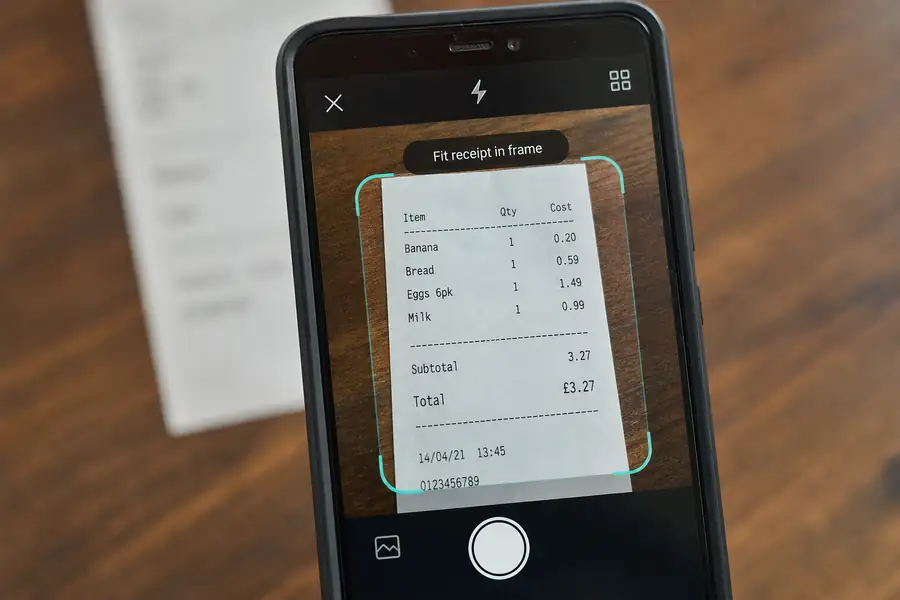
A digital receipt satisfies the IRS as long as it's legible and shows what the paper original would: the vendor's name, the date, the amount, and a description of what was purchased. That last piece, the line-item detail rather than a single lump total, is what makes a receipt itemized. An itemized receipt lists each product or service separately, which matters if you ever need to show a purchase was business-related and not personal.
The IRS doesn't require you to hold onto the paper original once you have a clear scan or photo, as long as the copy stays legible and complete for as long as you're required to keep it.
How Long to Keep Digitized Receipts for Taxes
Most digitized receipts should be kept for at least three years from the date you file the related tax return, which matches the standard IRS audit window. Certain situations stretch that window much longer.
| Situation | How long to keep the receipt |
|---|---|
| Typical filed return | 3 years from filing |
| Underreported income by 25% or more | 6 years |
| Claimed a loss from worthless securities or bad debt | 7 years |
| No return filed, or fraud suspected | Indefinitely |
When in doubt, keep the digital file. Storage is cheap; reconstructing a purchase from memory during an audit is not.
Troubleshooting Common Receipt Scanning Problems
Most receipt digitizing problems trace back to timing, not technology.
- The receipt already faded before you scanned it: thermal paper can fade within weeks, so write the vendor, date, and amount by hand on the photo or in the app's memo field so the record holds up even after the print is gone.
- The photo is blurry or glared out: turn off the flash, use natural light, and hold the phone straight over the receipt rather than at an angle.
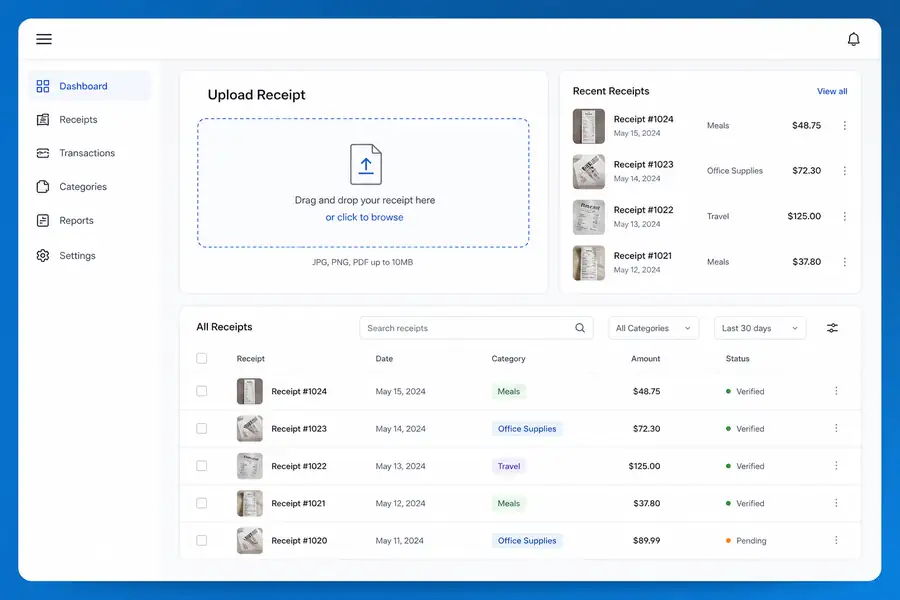
- The file gets saved but never found again: this is the real failure point for most field teams. A folder named by month, or a synced expense app, beats a general photo library every time.
- The receipt shows a total but no line items: ask the vendor for an itemized copy at checkout, or note the missing detail directly in the expense record so it's covered if questioned later.
Teams that get tired of chasing paper usually fix it by moving the capture step out of anyone's hands. Clyr pairs a corporate card with real-time receipt capture, codes each purchase automatically, and syncs to QuickBooks so the receipt only needs to be photographed once, right when the purchase happens. If digitizing receipts is eating a chunk of every week, you can book a demo to see the workflow end to end.
FAQs
Can I throw away paper receipts once they're digitized?
Yes, in most cases. The IRS accepts a clear scan or photo as the record, as long as it's legible and complete, so the paper original doesn't need to be kept once it's digitized and stored somewhere reliable.
Does the IRS accept photos of receipts instead of the paper original?
Yes. A photo taken with a phone is treated the same as a scan, provided the vendor, date, amount, and item detail are all readable in the image.
What's the best free way to scan receipts for taxes?
A phone camera and a labeled cloud folder work fine for very small volumes, but they rely entirely on someone remembering to do it every time. Any dedicated receipt app or expense platform that timestamps and stores the image automatically is more reliable once you're handling more than a handful of receipts a week.
How do I digitize a receipt that's already faded?
Photograph it anyway, then write the vendor name, date, and amount by hand next to it or in the file's notes before the print fades further. A bank or card statement showing the same transaction can also back up a receipt that's partly illegible.
Do bank or card statements work instead of receipts?
A statement can show that a purchase happened and for how much, but it usually can't show what was bought. For expenses that need to prove business purpose, an itemized receipt is still the stronger record to keep alongside the statement.