A construction change order is a signed amendment to a contract that changes the scope, cost, schedule, or materials on a job after work is already underway. Owners request them, inspectors trigger them, and site conditions force them, sometimes more than once on the same job. The problem is not that change orders happen. It's that crews often start the extra work before anyone prices or approves it, and once the work is done, there is no leverage left to bill for it.
This guide covers what construction change orders actually are, the change order process that protects your margin, and how field teams can capture the cost data before it gets lost between the truck and the office.
Key Takeaways
- Change order, defined: a signed amendment to the contract covering new scope, cost, schedule, or materials.
- The real risk: work that starts before pricing and approval, which is nearly impossible to bill for after the fact.
- The change order process has four steps: request, price, approve, then track and bill.
- Job coding matters: every change order cost should tag back to the specific job, not just sit in the general ledger.
- Real-time capture beats month-end cleanup: field teams need to log costs as they happen, not reconstruct them from memory weeks later.
What Is a Construction Change Order?
A construction change order is a written, signed amendment to an existing contract that changes the scope, cost, schedule, or materials after the job has already started. It differs from the original bid because it happens mid-project, after the price and scope were already agreed on.
Common triggers on a job site: an owner requests a design change, an inspector requires an upgrade the original plans missed, or a crew hits unexpected site conditions like rock, old utility lines, or water damage behind a wall. Each of these adds labor, materials, or time to a project that was already priced.
A signed construction change order protects both sides. It gives the contractor a paper trail to bill for the extra work, and it gives the owner an agreed price instead of a surprise on the final invoice. Without one, that extra scope becomes free labor. Firms that run tight margins on job costing treat every change order as its own mini-contract, which is one reason a dedicated approach to expense management for construction looks different from a generic office expense tool.
Why Untracked Construction Change Orders Erode Margin
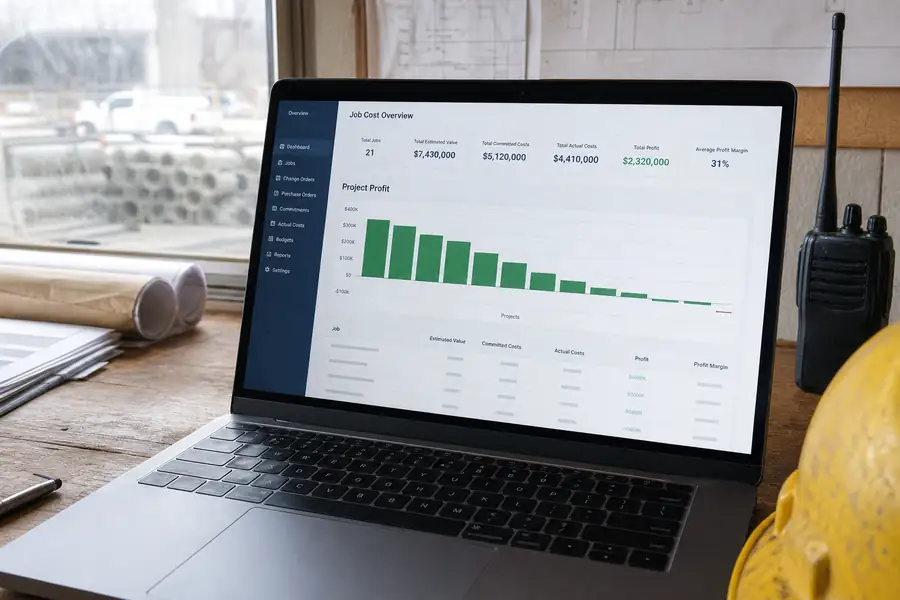
Untracked construction change orders erode margin because crews start the extra work before anyone prices or approves it, and by the time someone notices, there is no record left to bill against. A verbal go-ahead from a foreman doesn't hold up when an owner disputes the final invoice, and hours already spent framing an extra closet or trenching around a gas line leave no paper trail behind them.
The pattern repeats on almost every job: a foreman says yes to keep the crew moving, and the office doesn't hear about it until the punch list. By then, the labor is buried in payroll and the materials are buried in a supplier invoice with no job code attached. None of it reads back as billable change order revenue.
This is a budgeting problem as much as a paperwork one. Change orders shift a project's cost baseline mid-stream, and a company that can't see that shift as it happens can't adjust cash flow or crew planning to match. Building that kind of flexibility into how a business manages money more broadly is one of the ideas behind strategies for dynamic budget management in growing companies.
The Construction Change Order Process, Step by Step
A reliable construction change order process runs through four steps every time, in order, no matter how small the request seems.
- Request: the change gets written down, even briefly, the moment it's identified, naming what's changing and why.
- Price: labor, materials, and schedule impact get estimated before any extra work starts.
- Approve: the owner or client signs off on the price and scope, on paper or through a digital signature, before the crew proceeds.
- Track and bill: costs get coded to the job as they're incurred, then rolled into the next invoice or draw request.
Skipping straight from request to work, which is what happens under deadline pressure, is where most change order revenue disappears. A five-minute pause to price and approve costs far less than an unbillable week of labor.
Common Change Order Mistakes That Cost Contractors Money
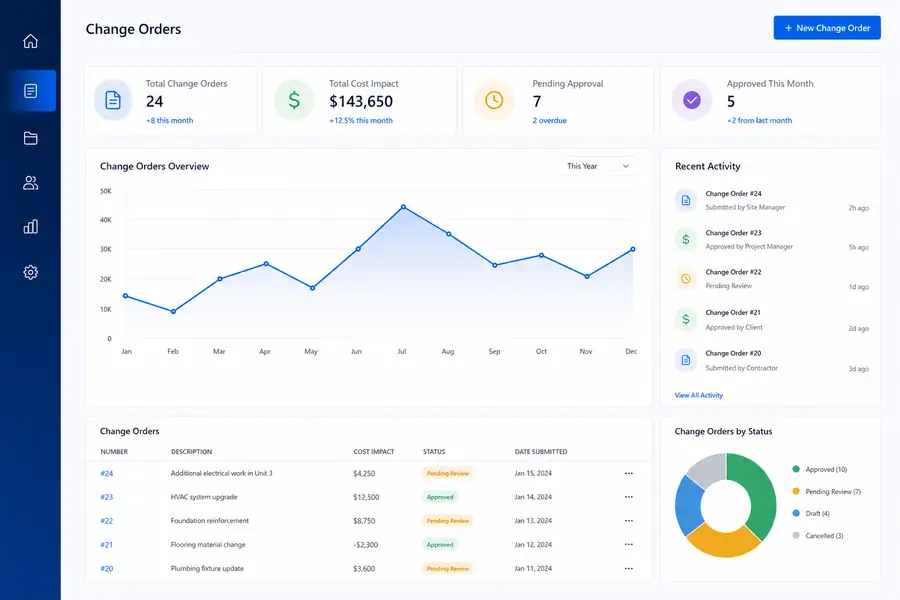
Most construction change order losses trace back to a handful of repeat mistakes, not a single bad job.
| Mistake | Result |
|---|---|
| Starting work before written approval | No signed basis to bill the extra scope |
| Verbal-only agreements with the owner | Disputed pricing at final invoice |
| Receipts and materials not coded to the job | Costs buried in overhead, margin looks worse than it is |
| Change orders tracked in email only | No single record for the office or the client to reference |
| Batching paperwork until month-end | Forgotten scope, missed billing windows |
Every one of these is a timing failure. The fix isn't more paperwork, it's capturing the request, the price, and the cost at the moment they happen instead of reconstructing them later from memory or a stack of receipts.
How Field Teams Can Track Construction Change Orders in Real Time
Field teams track construction change orders most effectively by capturing costs the moment they happen, on the job site, rather than waiting to reconcile them back at the office. That means a crew lead photographing a material receipt and coding it to the specific job before the truck even leaves the supply yard, not weeks later when the invoice arrives.
A growing number of contractors are automating this step rather than relying on paper receipts and manual entry, largely because the labor cost of chasing down a month's worth of job costs after the fact outweighs the cost of any software. Construction firms automating expense management typically start with the same pain point: change order costs that never made it onto the right job.
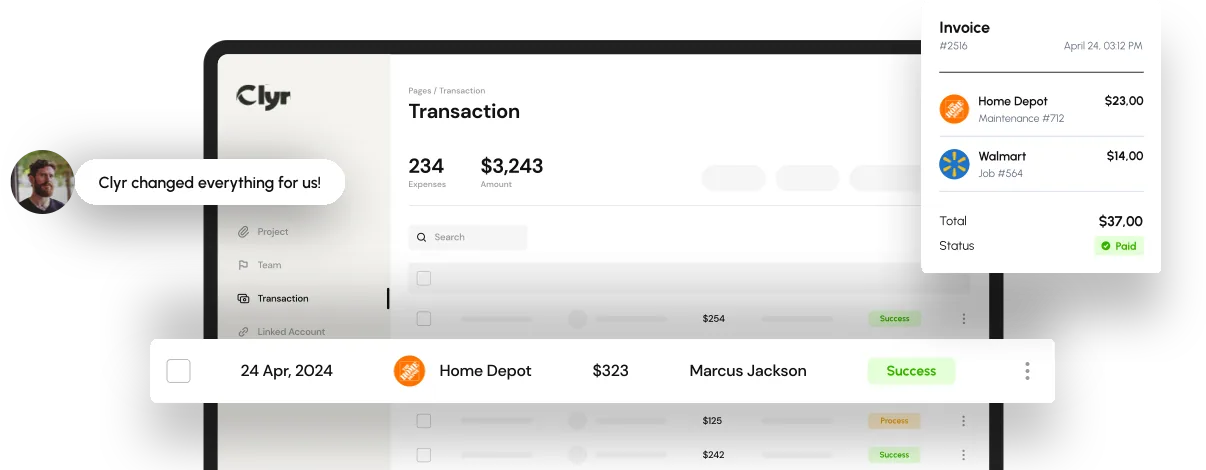
Clyr handles this by letting field crews snap a photo of a receipt on their phone, tagging it to the job and change order in real time, then syncing that coded expense straight into QuickBooks so the office isn't re-keying anything at month-end. That real-time link between the field and the books is what turns a change order from a verbal favor into a billable, documented line item.
If your team is still chasing paper change orders and unbilled job costs at every close, it's worth seeing how this works on a real project. You can book a demo to walk through it.
FAQs
What is a construction change order?
A construction change order is a signed amendment to an existing contract that changes the scope, cost, schedule, or materials on a project after work has already started. It documents the new terms so both the contractor and the owner have an agreed record to bill and pay against.
Who is responsible for pricing a change order?
The contractor or project manager typically prices the change order, estimating the added labor, materials, and schedule impact before work begins. The owner or client then reviews and approves that price, usually with a signature, before the crew proceeds with the extra scope.
Can a contractor bill for work done without a signed change order?
It's difficult. Without a signed change order, there is no documented agreement on price or scope, which gives the owner grounds to dispute or refuse payment for the extra work. Getting written approval before starting, even a quick digital signature, is what protects the billing later.
How do construction companies track change orders in the field?
Most track them by logging the request, price, and any related material or labor costs at the moment they occur, coded to the specific job rather than lumped into general overhead. Tools that let crews capture receipts and code them to a job in real time, with a sync to accounting software like QuickBooks, cut down on costs that get lost between the field and the office.