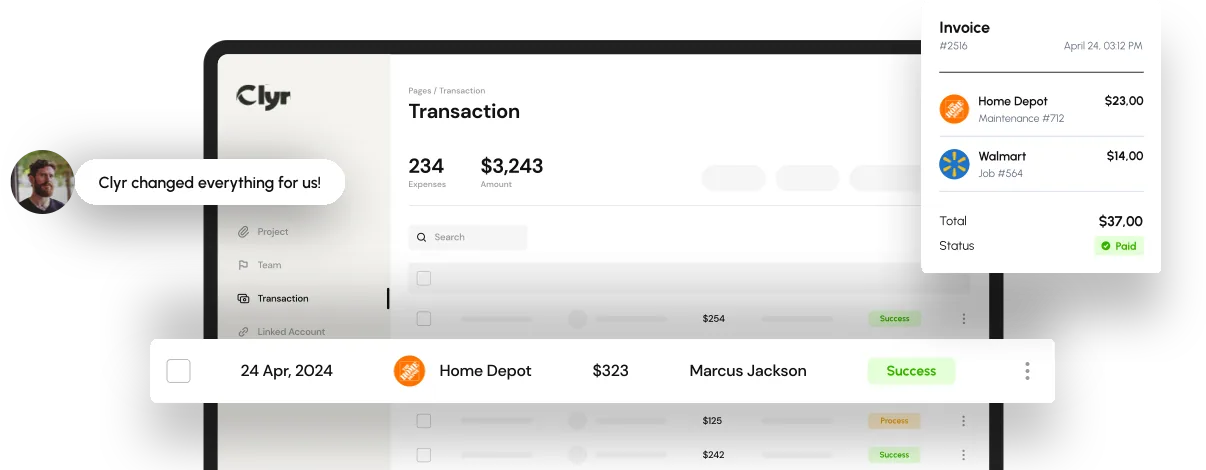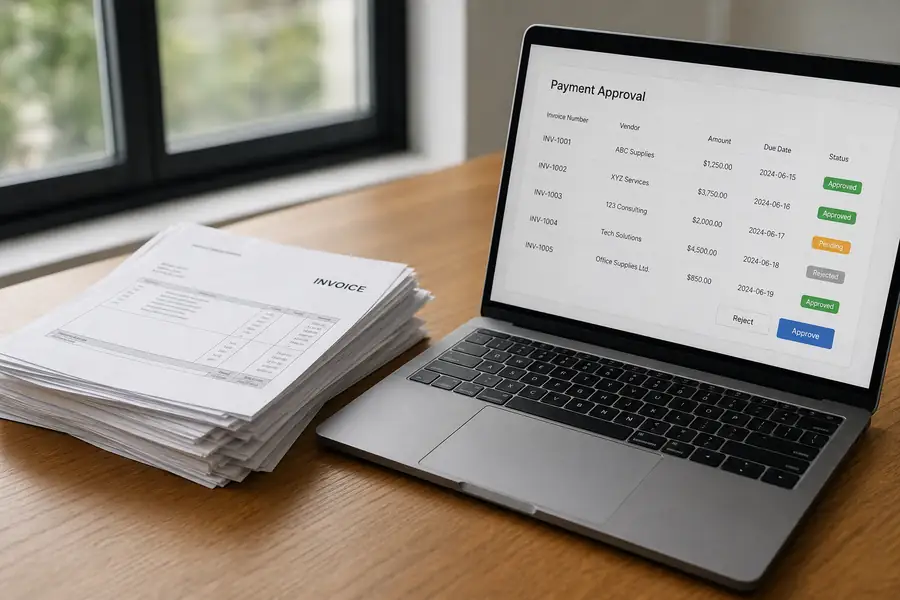
The accounts payable process is the sequence of steps a business follows to receive, verify, approve, and pay vendor invoices, then record the transaction in the books. Most companies run some version of seven stages: invoice receipt, data capture, matching, coding, approval, payment, and reconciliation.
A paper-and-spreadsheet version of that workflow holds up fine at five invoices a month. It falls apart once a team is chasing receipts from a dozen job sites, routing approvals through three managers, and trying to close the books by the fifth of the month.
- The accounts payable process runs through seven core steps: receipt, capture, matching, coding, approval, payment, and reconciliation.
- Ad-hoc AP workflow steps, tracked in spreadsheets or email threads, are the most common reason month-end close slips.
- Three-way matching (comparing the invoice, purchase order, and receiving record) catches billing errors before a payment goes out.
- Field-based teams need mobile receipt capture and job-level coding built into the process, not bolted on afterward.
- Automating capture, coding, and approval routing shortens the time from invoice receipt to payment without adding staff.
What Is the Accounts Payable Process?
The accounts payable process is the set of steps a company uses to turn a vendor bill into a paid, recorded transaction. It exists to make sure a business pays the right vendor, the right amount, for goods or services it actually received, and books the expense to the correct account.
Accounts payable (AP) is the money a business owes for goods or services it has bought but not yet paid for. The process that manages it touches nearly every department: purchasing generates the bill, an approver signs off on the spend, and finance codes and pays it. A slow or informal accounts payable process shows up as late vendor payments, duplicate invoices, and a controller who cannot close the books on schedule.
The Accounts Payable Process: 7 Step-by-Step Workflow
Most accounts payable process steps fall into seven stages, whether a company runs them by hand or through software.
- Invoice receipt: a vendor bill arrives by mail, email, or upload, and someone logs that it exists.
- Data capture: the vendor name, invoice number, amount, and due date get entered into the accounting system, either by hand or through OCR (optical character recognition, which reads text from a scanned document).
- Matching: the invoice gets checked against the purchase order and the receiving record, a step called three-way matching, to confirm the business actually ordered and received what it is being billed for.
- GL coding: the expense gets assigned to the right general ledger account, and for field businesses, to the right job or property.
- Approval routing: the coded invoice goes to whoever has spending authority for that amount or category, often more than one person for larger bills.
- Payment: finance issues the payment, by check, ACH, or card, on the vendor's terms.
- Reconciliation: the payment gets matched against the bank statement and the vendor record, closing out the transaction.
Skip a step, and the cost shows up later. Skip matching, and the business pays for goods it never received. Skip coding accuracy, and the controller spends hours at month-end tracing which job actually paid for that lumber delivery.
Accounts Payable Process for Field Teams and Multi-Location Businesses
Field-based and multi-location businesses need an accounts payable process built around where spend actually happens, not around a desk. A generic AP workflow assumes invoices land in one inbox and one person captures receipts; construction crews, property managers, and service techs do not work that way.
Construction companies deal with receipts generated on the job site, often for materials bought same-day with a card. If the accounts payable process cannot code that spend to the right job while the crew is still on site, the controller reconstructs job costs from memory weeks later. See how expense management for construction handles job-level coding for exactly this reason.
Property managers run into the opposite problem: fewer field receipts, but dozens of properties and vendors to keep straight. Utility bills, repair invoices, and vendor payments all need to land against the right property, or the numbers for that unit come out wrong. One team's approach to streamlining accounts payable for property managers shows how splitting spend by property keeps the books accurate without adding staff.
Common Mistakes in the Accounts Payable Process
| Mistake | What it costs you |
|---|---|
| No matching step | Pays for goods never received, or pays a bill twice |
| Coding after the fact | Job costs and property numbers stay wrong until someone reconstructs them |
| Single-person approval | Bills sit unpaid past terms whenever that person is out |
| Paper-only records | No audit trail, disputes take days to resolve |
| Manual data entry | Typos in amounts and GL codes, caught only at reconciliation |
Each of these is a workflow gap, not a staffing problem. Adding people to a broken accounts payable process just means more hands touching the same slow steps.
How to Automate the Accounts Payable Process
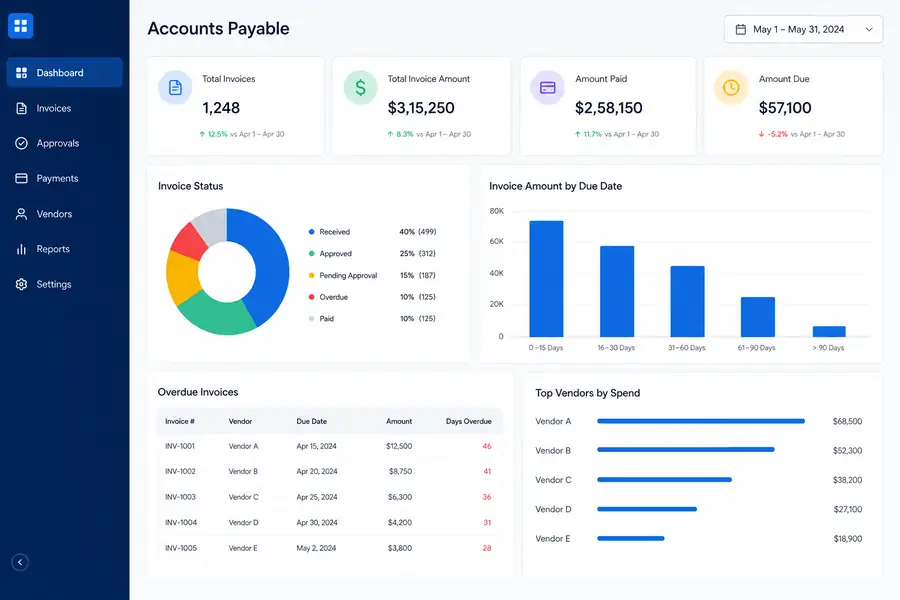
Automating the accounts payable process means software handles capture, matching, coding, and routing, so finance reviews and approves instead of retyping data. That does not eliminate judgment calls, but it removes the manual entry that causes most errors and most of the delay.
The clearest gains show up for field teams. Card and receipt automation lets a crew member photograph a receipt on site, and the system captures the vendor, amount, and job code in real time instead of at month-end. Paired with a direct sync to QuickBooks, that transaction lands in the books already coded and matched, not as a pile of paper the bookkeeper sorts through later. This is the core of what fully automated bill pay and accounts payable tools like Clyr are built to do.
Picking the right tool matters more than picking the one with the longest feature list. A platform that automates capture but does not sync with your general ledger just moves the manual work downstream to the bookkeeper. This guide to choosing accounts payable software walks through the criteria that actually predict whether a tool fits your workflow.
If your team is still routing invoices by email and reconciling job costs by hand, book a Clyr demo to see an automated accounts payable process in action.
FAQs
What are the main steps in the accounts payable process?
The accounts payable process typically runs through seven steps: invoice receipt, data capture, matching, GL coding, approval, payment, and reconciliation. Most delays happen at matching and coding, where manual review slows everything downstream.
What is three-way matching in accounts payable?
Three-way matching compares the vendor invoice, the purchase order, and the receiving record before a payment goes out. If the three do not agree on quantity, price, or item, the invoice gets flagged instead of paid, which catches billing errors and duplicate charges before they cost money.
How long should the accounts payable process take?
A well-run accounts payable process moves an invoice from receipt to payment in a few days to two weeks, depending on approval layers and vendor terms. Manual, paper-based processes often stretch to three or four weeks for the same invoice, mostly from sitting in an inbox waiting for approval.
What is the difference between accounts payable and accounts receivable?
Accounts payable is money a business owes to its vendors and suppliers, while accounts receivable is money customers owe the business. The accounts payable process manages outgoing payments; accounts receivable manages collecting incoming ones.
Can the accounts payable process be automated?
Yes. Software can automate invoice capture, three-way matching, GL coding, and approval routing, leaving finance to review and approve rather than enter data by hand. Field-heavy businesses tend to see the biggest time savings, since receipts get captured and coded on site instead of weeks later.