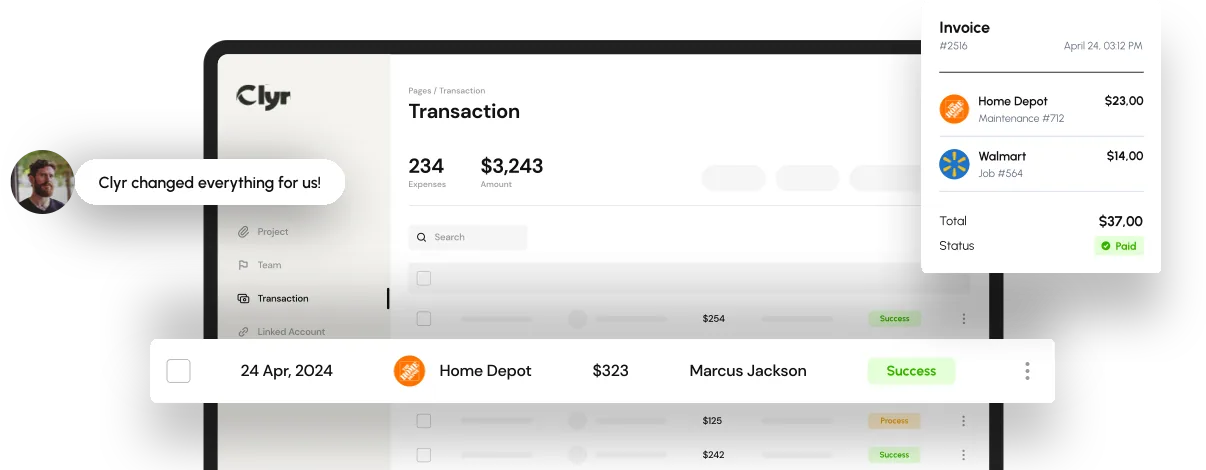
Spend controls are the rules, limits, and approval steps a business puts on its own spending before money leaves the company: who can spend, how much, on what, and what happens if a purchase falls outside policy. They work through preset card limits, automatic approval routing, and category restrictions enforced by software, not just a written policy.
Most companies already have a spending policy. The problem is that a PDF policy does not stop a purchase at checkout, and a monthly expense report only catches the overspend weeks after the money is gone. Real spend controls close that gap by acting at the moment of purchase, not after it.
Key Takeaways
- Spend controls set limits and approval rules before money leaves the company, not after.
- Card-level limits stop out-of-policy purchases at the swipe, while expense reports only report the damage afterward.
- Field and remote teams need controls that live on the card itself, since there is no desk to approve anything from.
- Approval routing should scale with company size: a flat rule that works for ten people breaks at two hundred.
- Spend controls work best paired with automated receipt capture and GL coding, not bolted onto a manual process.
What Are Spend Controls?
Spend controls are the limits, rules, and approval steps a business builds into its spending process so that out-of-policy purchases get stopped or flagged before the money is gone, not weeks later during reconciliation.
A written expense policy tells employees what they are allowed to buy. Spend controls are the mechanism that actually enforces it: a card that declines at a certain dollar amount, a purchase category that triggers an approval request, or a rule that routes anything over a set threshold to a manager before it clears.
Most finance teams now build these rules into expense management software rather than relying on employees to remember a policy document. The software applies the same limit every time, on every card, without someone having to check a spreadsheet first.
How Spend Controls Work in Practice
Spend controls work by combining three layers: a limit on the card itself, a rule that decides when a purchase needs a second look, and a routing path that gets it in front of the right approver fast.
The first layer is the card limit. A physical or virtual card gets a preset daily, monthly, or per-transaction cap, so a large mistake is not even possible on a card capped low. Card expense management tools set these limits per employee or per project, and can lock a card to specific merchant categories such as fuel or materials.
The second layer is the approval rule: anything above a set amount, or in a flagged category, holds until a manager signs off. The third layer is routing: the request goes straight to the person who should approve it, not into a shared inbox where it sits for a week.

Spend Controls for Field Teams and Remote Employees
Field teams need spend controls that work without a laptop or an office, because the purchase happens at a hardware store or a gas pump, not at a desk.
A construction crew buying materials on a job site cannot wait for a Friday expense report to find out whether the purchase was even allowed. The control has to live on the card itself: a preset limit, a merchant category lock, and a receipt capture step that happens the moment the crew swipes.
Clyr handles this by issuing each field employee a card with its own limit, capturing the receipt in real time on their phone, and coding the transaction to the right job automatically. The transaction syncs to QuickBooks already coded, so nobody re-keys it during month-end close.
Property managers face a similar version of the same problem: a maintenance tech buying parts for one property has to have that purchase controlled and tagged to the correct property, not lumped into a general spend bucket.
Common Spend Control Mistakes That Let Spending Slip
Most spending problems come from a handful of repeat mistakes, not a single bad actor.
- Relying on a written policy alone: a document nobody reads does not stop a purchase, and it does not scale past a handful of employees.
- Setting one limit for everyone: a low cap makes sense for office supplies and is useless for a crew buying lumber, so blanket limits either block legitimate spend or let too much through.
- Catching overspend at month-end instead of at the swipe: by the time a report flags an out-of-policy charge, the money is already gone and the only option left is a conversation, not a decline.
- No mobile approval path: a manager who can only approve from a desktop lets requests sit for days while field work continues unpaid or unapproved.
Teams still checking for overspend through monthly expense reports are always working from stale data. Our guide to rapid spend management solutions covers what changes when controls move from after-the-fact review to real time.
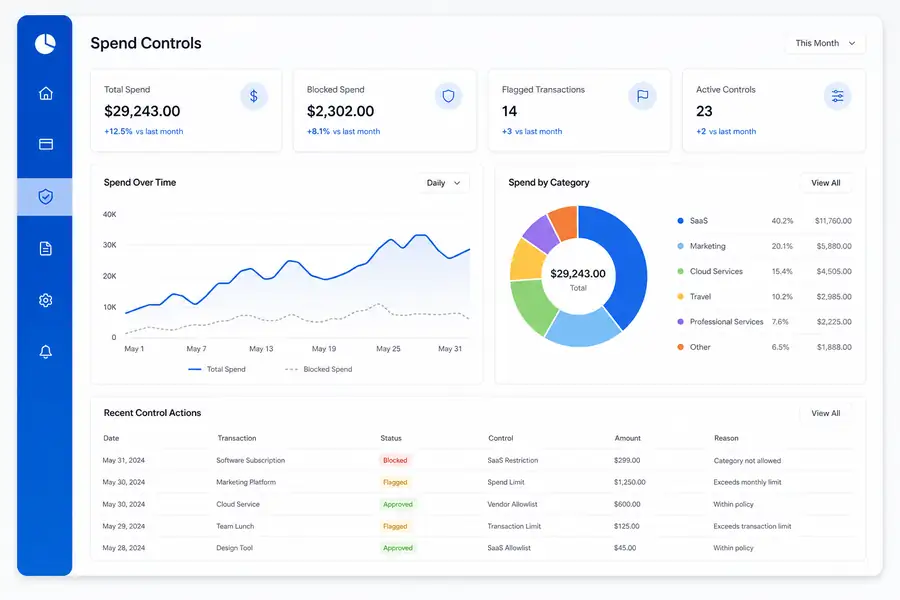
Choosing the Right Spend Management Controls for Your Business
The right spend management controls depend on company size and industry more than on any single feature list.
A ten-person company usually just needs card limits and one layer of approval. A two-hundred-person company needs routing by department, tiered approval thresholds, and a controller who can see every card at once. Non-profits add another layer: spend has to map to the correct grant or fund, so the control has to tag spend by fund at the point of purchase, not during the audit.
Pricing for the software behind these controls usually follows a per-user or per-card model, so cost tends to scale with headcount rather than transaction volume. Our guide to efficient spend management walks through how to weigh those models against your team's size and spend pattern.
Clyr builds these controls directly into card issuing and receipt capture, so limits, approvals, and job or fund coding work together instead of living in separate tools. If you want to see how that looks against your own spend data, book a demo and walk through it live.
FAQs
What are spend controls in simple terms?
Spend controls are the limits and approval rules a business puts on its own spending, enforced through card limits, category restrictions, and approval routing, so out-of-policy purchases get stopped or flagged before the money leaves the company.
How do spend controls differ from an expense policy?
An expense policy is the written rule that tells employees what they can spend and on what. Spend controls are the enforcement mechanism, such as a card limit or an approval workflow, that actually applies that rule at the moment of purchase.
Do spend controls work for remote and field employees?
Yes. Field and remote spend controls typically run through virtual or physical cards with preset limits and merchant category locks, combined with mobile receipt capture, so a purchase made on a job site is limited and recorded the same way it would be in an office.
What is the difference between spend management and spend controls?
Spend management is the broader practice of planning, tracking, and analyzing company spend. Spend controls are the specific rules and limits inside that practice that stop spending from going out of policy in the first place.
Can spend controls actually prevent overspending, or just flag it?
Well-built spend controls prevent it outright: a card that declines at its limit or a purchase that requires approval before it clears never becomes an overspend. Weaker controls, like a monthly expense report review, only flag spending that already happened.