Expensify vs Ramp usually comes down to one question: does your spend flow through employee reimbursements, or through a company card program? Expensify built its platform around expense reports, receipt scanning, and reimbursing employees for what they spend. Ramp built its platform around issuing corporate cards and then layering spend controls and light expense tracking on top. Teams with a lot of field spend, mixed payment methods, or vendor bills often need more than either tool offers out of the box, which is where the comparison gets interesting.
Both companies publish their own pricing and feature pages, and both change fairly often, so treat exact numbers as a starting point rather than a quote. The table below lays out where ramp vs expensify actually differ on the things that matter to a finance team choosing between them.
Expensify vs Ramp at a Glance
Expensify leans toward reimbursement-heavy teams, while Ramp leans toward companies ready to route most spend through its own card. The table below captures the core differences finance teams weigh first.
| Feature | Expensify | Ramp |
|---|---|---|
| Core model | Expense reports and reimbursement | Corporate card and spend management |
| Pricing model | Per active user, per month | Card spend based, often no per-user fee |
| Receipt capture | SmartScan OCR | Mobile app, card-linked capture |
| Approval workflow | Multi-level, policy based | Real-time, spend-limit based |
| Corporate cards | Secondary product | Core product |
| Accounting sync | QuickBooks, NetSuite, Xero, Sage | QuickBooks, NetSuite, Xero, Sage |
| Best fit | Reimbursement-heavy teams | Card-first, fast-growing teams |
For a closer look at how the two pricing models play out over a full year of spend, Clyr's Expensify vs Ramp cost breakdown walks through sample scenarios for a twenty-person team.
Expensify: Strengths and Limitations
Expensify's core strength is fast, accurate receipt capture paired with a reimbursement workflow most finance teams already understand.
What Expensify does well
Expensify's SmartScan OCR reads receipts quickly and routes them into a report your approvers already know how to process. Its strongest use case is still the classic expense report: an employee spends, submits, and gets reimbursed on a predictable cycle. To see how several receipt tools stack up on capture accuracy, Clyr's receipt management software comparison covers Expensify alongside other options.
Where Expensify falls short
Expensify charges per active user per month, so costs climb every time headcount grows, whether or not that person spends much. Its own corporate card exists but plays a secondary role behind the expense report workflow, and approval routing can feel rigid for teams juggling multiple cost centers or job sites.
Who Expensify fits
Expensify tends to fit smaller teams with straightforward reimbursement needs and a headcount that isn't growing fast enough for per-user pricing to sting.

Ramp: Strengths and Limitations
Ramp's core strength is the corporate card itself: real-time spend limits, instant card issuance, and controls that stop a purchase before it happens rather than flagging it after the fact.
What Ramp does well
Ramp issues virtual and physical cards in seconds, sets per-card or per-vendor spending limits, and syncs transactions to accounting software as they post rather than days later. Most plans skip per-user fees entirely, so adding employees does not automatically raise the bill the way it does with Expensify.
Where Ramp falls short
Ramp's value depends heavily on moving spend onto its card, so teams that still pay vendors by check, ACH, or a mix of existing cards get less out of the platform. Job costing and per-project coding, the kind of detail construction and field service teams need most, is not the product's main focus.
Who Ramp fits
Ramp tends to fit growing companies willing to consolidate spend onto a new card program in exchange for tighter real-time controls.
Where Clyr Fits for Field and On-Site Teams
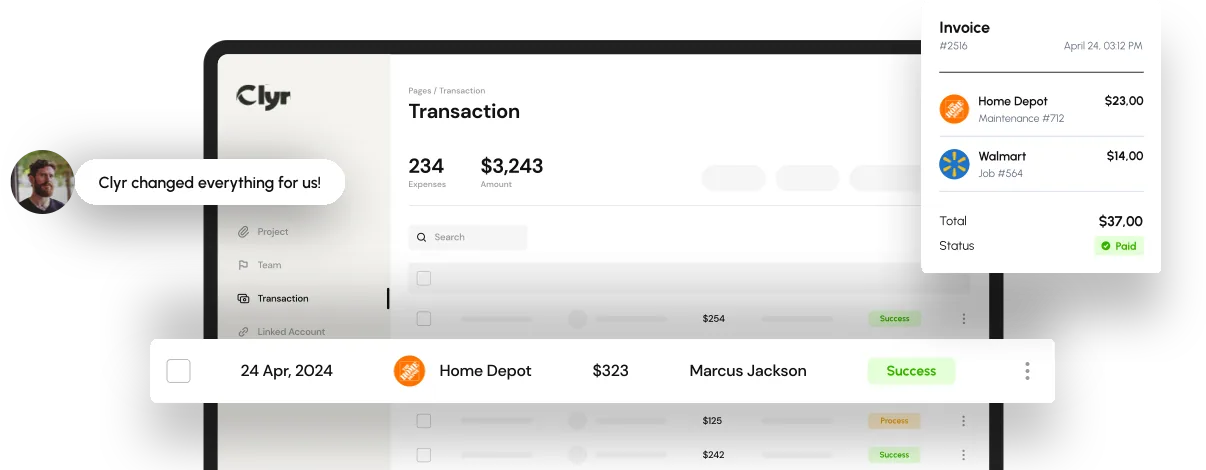
Neither Expensify nor Ramp was built specifically for teams whose spend happens on job sites, in the field, or across dozens of vendors and properties. That gap is where Clyr's expense management software fits: real-time receipt capture and coding paired with card spend, so a purchase gets tagged to the right job or property the moment it happens instead of weeks later at close.
Clyr also syncs directly with QuickBooks, so coded transactions land in the ledger without a second round of data entry. If you're still comparing platforms from the ground up, Clyr's guide to small business expense management software is a useful starting point before narrowing the field down to a shortlist like Expensify and Ramp.
If field spend, job costing, or QuickBooks sync are the deciding factors in your expensify vs ramp decision, it's worth seeing a live walkthrough. Book a demo to see how Clyr handles real-time receipt capture and coding for teams like yours.
FAQs
Is Ramp cheaper than Expensify?
Ramp usually costs less directly because most of its plans skip a per-user fee, while Expensify bills per active user per month. The real cost difference depends on how much of your spend actually moves onto Ramp's card, since that is where its pricing model earns the cost back.
Does Expensify or Ramp integrate with QuickBooks?
Both Expensify and Ramp offer QuickBooks integrations, along with support for other accounting platforms like NetSuite and Xero. The depth of the sync, especially how cleanly coded transactions land in the ledger, varies by plan tier, so it is worth confirming the specific integration features before switching.
Can I use Expensify and Ramp together?
Some companies run Ramp for card issuance and spend controls while still using Expensify or another tool for reimbursement-based expense reports. This adds a second system to maintain, though, which is the kind of duplicate data entry that purpose-built platforms are designed to remove.
Which is better for a construction or field service team?
Neither Expensify nor Ramp was designed around job costing, so field-heavy teams often find both tools require manual coding after the purchase happens. Platforms built specifically for job-based spend, with receipt capture and coding tied to the job at the moment of purchase, tend to save more time for these teams.