Expense management best practices are the specific habits and controls that keep company spend accurate, coded correctly, and closed on time: a written policy, real-time receipt capture, card controls tied to policy, and a direct accounting sync, working together rather than as separate fixes. Most SMB finance teams don't have a tools problem. They have a framework problem, which is why receipts pile up, coding gets guessed at month-end, and approvals sit in an inbox for weeks. The list below breaks that framework into eight practices, in the order they usually pay off, plus the mistakes that undo them.
- Put approval limits and thresholds in writing before you automate anything.
- Capture receipts at the point of purchase, not at month-end.
- Set card controls by job, category, or department, not one flat limit.
- Sync every coded transaction to your accounting system in real time.
- Review policy exceptions monthly so drift doesn't become the new policy.
If you're building this framework from the ground up, including how to choose software that fits your team size, the ultimate guide to small business expense management software walks through the full setup.
Expense Management Best Practices at a Glance
The table below summarizes the eight practices covered next, and what each one actually fixes.
| Practice | What it fixes |
|---|---|
| Written expense policy | Stops guessing on what's reimbursable |
| Real-time receipt capture | Ends the month-end scramble |
| Card controls by job or category | Blocks off-policy spend before it happens |
| Automated GL coding | Removes manual re-entry and coding errors |
| Tiered approval routing | Speeds sign-off without losing oversight |
| Direct accounting sync | Keeps the books current, not reconciled after the fact |
| Monthly policy review | Catches drift before it becomes habit |
| Scheduled reconciliation | Flags duplicate or fraudulent charges early |
8 Expense Management Best Practices to Follow in 2026
- Put your expense policy in writing. A written policy spells out what's reimbursable, what needs a receipt, and what triggers a second approval, so employees stop guessing and managers stop relitigating the same request. Review it at least once a year, sooner if the team is growing fast.
- Capture receipts at the point of purchase. Manual expense reports fail here first: a field crew submits three weeks of gas station receipts at once, and coding turns into guesswork. Mobile capture that photographs and matches each receipt to the card charge within minutes closes that gap, which is exactly what real-time receipt capture and coding does for job sites.
- Set card controls by job or category, not one flat limit. A single monthly cap tells you nothing about where money went. Controls tied to a project, job code, or spend category catch off-policy purchases as they happen, not on next month's statement, which is a real expense control tip even for a five-person team.
- Automate GL coding instead of re-keying it. When a receipt syncs straight to the right general ledger account, nobody spends an afternoon matching card statements to categories by hand. It's the shift covered in our piece on technology expense management software insights, and usually the single biggest time saver here.
- Route approvals by tier, not by inbox. A $40 lunch and a $4,000 equipment purchase shouldn't follow the same path. Set thresholds so small purchases clear automatically and large ones still get a second look, and route on mobile so requests don't sit for a week while a manager travels.
- Sync transactions to your accounting system in real time. Batch uploads at month-end mean the books stay weeks behind reality, and errors only surface during close. A direct sync to QuickBooks or another platform keeps balances current and can cut days off the close.
- Review policy exceptions every month, not once a year. Patterns show up fast: one vendor keeps getting flagged, or a department keeps requesting exceptions to the meal limit. A monthly review catches drift before it becomes an informal policy nobody agreed to.
- Reconcile cards and vendors on a schedule, not just at audit time. Regular reconciliation flags duplicate charges, forgotten subscriptions, and vendor overbilling before they surprise anyone on the P&L. It's one of the simplest expense control tips here and takes minutes once the data is already synced.

Expense Control Tips by Industry and Company Size
What counts as best practice shifts with how and where your team actually spends money.
Construction and field crews buy materials and fuel across job sites, so coding has to happen in the field, not back at the office weeks later. Property managers need spend split cleanly across properties and units, so a tool that can't tag a charge to the right building creates more reconciling work, not less, which is why expense management for property management looks different from a standard setup. Non-profits need spend mapped to specific grants and funds, so a clean audit trail on coding matters as much as the reimbursement policy itself.
Company size changes the problem too. A ten-person team's real issue is usually that receipts live in someone's inbox. A hundred-person team's real issue is usually that approvals pass through too many hands before anything gets paid.
Common Expense Management Mistakes to Avoid
- Approving from memory: managers sign off without checking a receipt against policy, so violations get rubber-stamped instead of caught.
- Batch-entering receipts at month-end: coding gets guessed, and errors only surface once the books are already closing.
- One spending limit for everyone: a $50 lunch and a $5,000 rental get treated the same, so real risk goes unchecked.
- Skipping the accounting sync: every transaction gets keyed twice, once in the expense tool and once in the books.

Where Clyr Fits Into Expense Management Best Practices
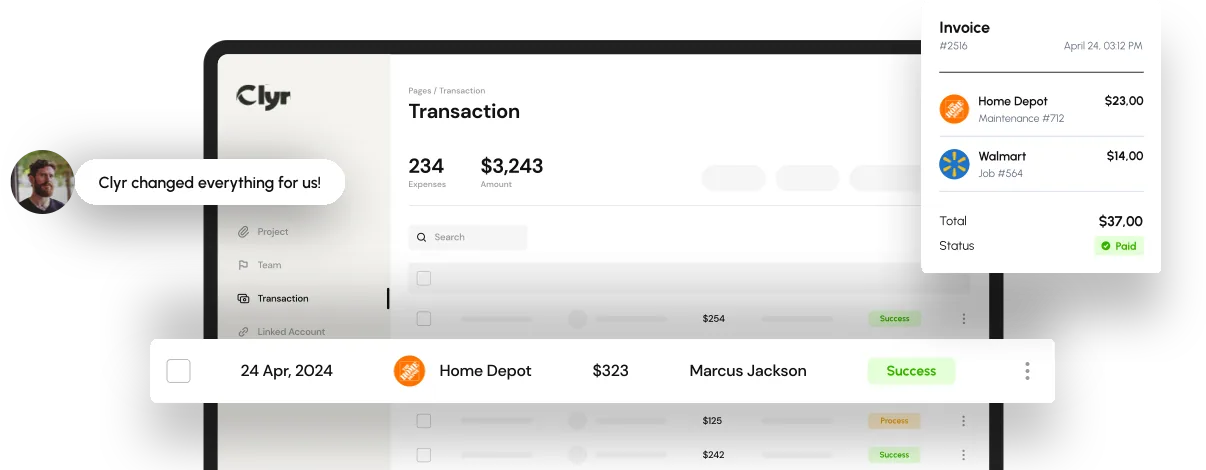
Clyr is built around the practices in this list rather than bolted on afterward. Its expense management software pairs card controls with real-time receipt capture, so a field crew's fuel receipt gets photographed, coded to the right job, and matched to the card charge before the crew leaves the site. Coding syncs directly to QuickBooks and other accounting platforms, so nothing gets re-keyed at close, and approval routing runs on mobile so a large request doesn't sit for a week.
If you want to see how the coding rules would map to your chart of accounts, you can book a demo and walk through it live.
FAQs
What is the most important expense management best practice?
Real-time receipt capture usually delivers the biggest single improvement, because it prevents the backlog and guesswork that cause most other problems, from missing coding to late approvals. A written policy is a close second, since it gives the rest of the practices something consistent to enforce.
How often should we update our expense policy?
Review the policy at least once a year, and sooner if headcount, spending categories, or your vendor mix change quickly. A separate monthly review of exceptions catches problems long before the next scheduled update.
Do these expense management best practices apply to a small business, or only larger companies?
They apply at any size, though the emphasis shifts. A small team mostly needs receipts and coding under control, while a larger team also needs tiered approvals and clearer spend visibility across departments.
What is the fastest way to fix a broken expense process?
Start with receipt capture and card controls, since those two changes stop the problem at the source instead of cleaning it up during close. Accounting sync and approval routing matter too, but they work best once spend is already being captured and coded correctly.
How does expense management software enforce these best practices automatically?
Good software applies card controls, coding rules, and approval thresholds the moment a purchase happens, rather than relying on someone remembering to follow the policy later. That turns the best practices on this list into default behavior instead of a checklist someone has to run manually.