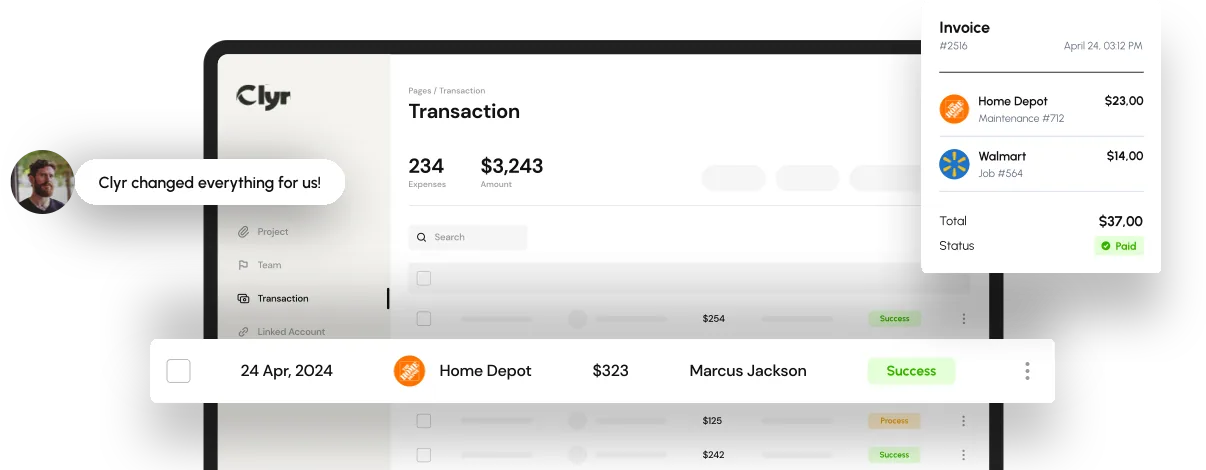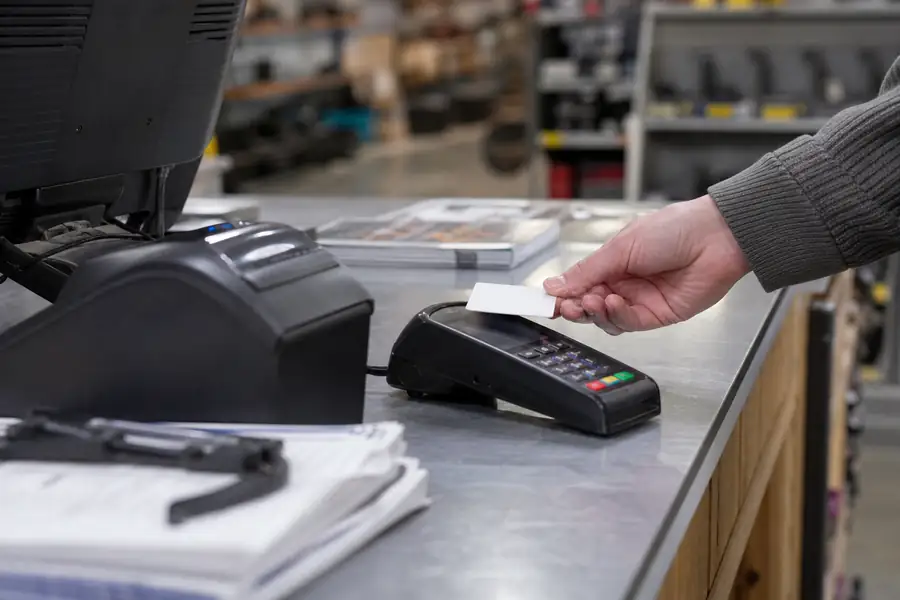
Credit card reconciliation is the process of matching every charge on a business card statement to a receipt, an expense category, and the correct job or department, then confirming the total ties out to what the bank and your accounting software show. Done by hand, it is one of the slowest recurring tasks in finance: someone chases receipts, guesses at coding, and re-keys totals into QuickBooks before the books can close. This guide covers how to reconcile a business card step by step, why the process drags for teams with people spending in the field, and where automation actually removes the manual matching.
Key Takeaways
- Credit card reconciliation matches every statement charge to a receipt and general ledger code before the books close.
- Manual reconciliation typically adds several days to month-end close once a company runs more than a handful of cards.
- Missing receipts and vague memo lines are the two most common holdups.
- Field teams, like construction crews and service technicians, create the biggest reconciliation backlog because receipts arrive late or never.
- Capturing receipts at the point of purchase removes most of the manual matching work later in the process.
- Clean reconciliation feeds directly into accurate job costing and vendor reporting.
What Is Credit Card Reconciliation?
Credit card reconciliation is the three-way check that confirms a charge on the statement, the receipt for that charge, and the entry in your accounting system all agree. If any one of those three is missing or wrong, the transaction stays unreconciled and the close has to wait on it.
To reconcile a business card, someone pulls the statement, matches each line to a receipt, assigns the right GL code or job, and flags anything without a matching document. For a company running five or ten cards, that is a few hundred line items a month. For a company running fifty cards across job sites, it is thousands, and most arrive as a vague merchant name with no context attached.
Why Credit Card Reconciliation Takes So Long
Credit card reconciliation takes so long because the documentation and the transaction almost never arrive together. The charge posts the moment a card is swiped, but the receipt might sit in a truck, an inbox, or a wallet for two weeks before it reaches accounting.
Three things stretch the timeline the most:
- Missing receipts: no proof of purchase means someone has to track down the cardholder and ask what the charge was for.
- Manual coding: a bookkeeper guessing at the right job or GL code from a merchant name alone gets it wrong often enough to create rework later.
- Scattered systems: receipts in email, statements in a bank portal, and coding notes in a spreadsheet turn reconciliation into three separate jobs stitched together at month-end.
Some companies respond by hiring dedicated staff to chase this down, but headcount alone rarely fixes a broken process. Our guidelines on hiring for corporate credit card reconciliation cover what that role actually needs to look like if you go that route.

How to Reconcile a Business Card Step by Step
Reconciling a business card reliably comes down to five steps done in order, every billing cycle, without skipping the exception step.
- Pull the statement: download the full transaction list for the billing period from the card issuer.
- Match receipts to charges: attach a receipt or invoice to each line item as proof of the purchase.
- Code each transaction: assign the correct GL account and, where relevant, the job, property, or client it belongs to.
- Flag exceptions: anything without a receipt or with a mismatched amount gets pulled aside for follow-up before it holds up the close.
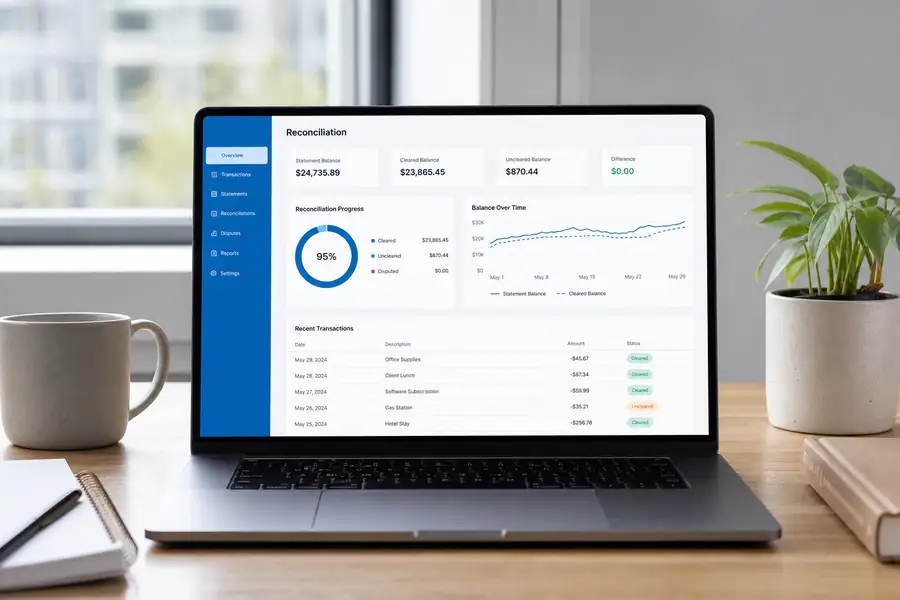
- Reconcile the total: confirm the sum of coded transactions matches the statement balance and post it to your accounting system.
The exception step is where most teams lose the most time. A handful of unmatched charges can hold up an otherwise finished reconciliation for days while someone tracks down the cardholder.
Credit Card Reconciliation for Field Teams
Field teams create the heaviest reconciliation backlog because the person spending the money is rarely the person doing the books. A construction superintendent buying lumber or a property manager's technician grabbing parts at a supply counter is not thinking about GL codes, and the receipt often does not surface until the crew is back in the office days later.
That gap matters more for job costing than for a typical office expense. If a materials charge does not get coded to the right job in the same period it was spent, the project's cost-to-date is wrong until someone corrects it, which throws off margin reporting for that job in the meantime.
Choosing the right card program up front makes this easier to manage. Our guidelines for choosing business credit cards cover what to look for if you are setting up or expanding a card program for a distributed team.
Where Automation Fits Into Credit Card Reconciliation
Automated credit card reconciliation removes the manual matching by capturing the receipt and the coding at the moment of purchase, instead of reconstructing both weeks later. A cardholder photographs the receipt on their phone right after the swipe, the charge is auto-coded to the right job or GL account, and the transaction lands in the reconciliation queue already matched.
This is the specific problem Clyr is built around for teams with card spend happening outside an office: real-time receipt capture and coding attaches the documentation before it can go missing, and a direct QuickBooks sync means the reconciled transactions post to your books without anyone re-keying them. That combination is what modern expense management software is meant to solve, and it is worth evaluating against whatever manual process your team is running today.
If your close still depends on a spreadsheet and a stack of receipts, it is worth seeing what a demo of Clyr looks like against your actual card program before your next close.
FAQs
How often should you reconcile credit cards?
Most companies reconcile credit cards once per billing cycle, which is typically monthly, so the reconciled total is ready before the books close. Teams with high transaction volume or field crews often reconcile weekly to catch missing receipts while the purchase is still easy to remember.
What is the difference between credit card reconciliation and expense reporting?
Credit card reconciliation matches an issuer's statement to receipts and GL codes so the books tie out to the bank. Expense reporting is the employee-facing process of submitting and approving individual purchases, and it often feeds into reconciliation rather than replacing it.
Can credit card reconciliation be automated?
Yes. Software that captures receipts at the point of purchase and auto-codes each transaction to a job or GL account can reconcile most charges without manual matching, leaving only genuine exceptions for a person to review. Syncing that data directly with accounting platforms like QuickBooks removes the re-keying step entirely.
What happens if a receipt is missing during reconciliation?
A transaction without a receipt gets flagged as an exception and typically needs a follow-up with the cardholder to confirm what it was for and get documentation, even if that is just a written explanation. Left unresolved, missing receipts can also create issues if the expense is ever questioned in an audit or tax review.