Every company whether a one-person consultancy or a fast-growing enterprise needs a reliable way to track and document spending. That brings us to a question many employees, managers, and new business owners still ask: what is an expense report? Although the term sounds straightforward, the system behind it plays a central role in budgeting, reimbursement, compliance, and financial visibility. Modern organizations depend on it far more than they realize.
This article breaks down what expense reports are, what an expense report is used for, how companies historically handled them, and how today’s tools especially advanced expense report software have transformed a once frustrating process into a streamlined, automated workflow.
Key Points at a Glance
-
Expense reports are essential financial tools, documenting business-related spending for reimbursement, budgeting, compliance, and accuracy.
-
They provide structure and visibility, ensuring every transaction is properly categorized, approved, and tied to the correct project, job, or department.
-
Modern businesses rely on automation, shifting away from manual spreadsheets and missing receipts toward real-time tracking and automated coding.
-
Smart expense report software reduces errors, speeds up approvals, prevents fraudulent or duplicate claims, and protects company budgets.
-
Real-time financial visibility matters, helping teams manage budgets proactively rather than reacting to outdated reports at month-end.
-
Automation improves employee experience, ensuring faster reimbursements and eliminating the frustration of manual paperwork.
-
Tools like Clyr enhance accuracy and control, providing AI-driven categorization, instant receipt capture, and seamless integrations with accounting systems.

Understanding the Basics: What Is an Expense Report?
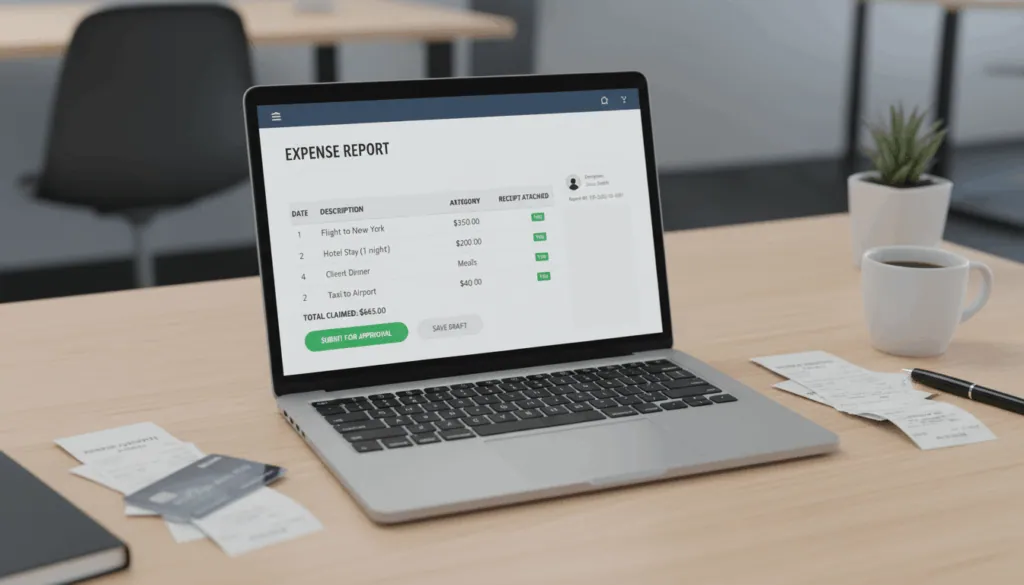
At its core, what is an expense report? It’s a formal document that records business-related expenses incurred by an employee, department, or project. These expenses may include travel costs, meals, supplies, client-related activities, transportation, software purchases, or any other spending tied to operating the business.
But an expense report is more than a spreadsheet of receipts. It’s a structured record that connects each transaction to the right category, cost center, project, or job. In many organizations, this one document determines:
- Whether an employee gets reimbursed accurately
- How budgets are allocated
- When financial decisions are made
- What operational inefficiencies go unnoticed
When done well, expense reporting isn’t just accounting it’s financial intelligence.
What Is an Expense Report Used For?
To fully understand what an expense report is used for, it helps to look at the multiple roles it serves within a company.
1. Employee Reimbursements
Employees often pay for work-related expenses out of pocket fuel, tools, meals, transportation, or event costs. Expense reports capture those expenses so finance can verify them and reimburse employees accurately.
2. Budget Tracking
When the finance team knows exactly where money goes, they can identify department spending patterns, spot unusual activity, and adjust budgets in real time.
3. Tax Compliance
Many operational costs are tax-deductible. Clear documentation is essential for accurate filings and smooth audits.
4. Fraud Prevention
A documented process reduces the risk of duplicate expenses, inflated claims, or unauthorized purchases.
5. Project Costing
Construction firms, property managers, manufacturers, and service companies regularly tie expenses to specific jobs. This allows accurate project profitability analysis.
6. Vendor and Bill Management
When linked with bills and vendor payments, expense reports help maintain clean financial records and improve cash-flow visibility.
The bottom line: an expense report is a financial backbone that keeps both employees and the company protected.
The Components of an Effective Expense Report
When organizations ask what is an expense report, they often picture a simple table. But effective reports include several critical elements:
- Date of the expense
- Vendor name
- Purpose of the expense
- Category (meals, travel, materials, etc.)
- Amount and currency
- Receipt attachment
- Employee or project linked to the cost
- Payment method
- Manager approval
In industries like construction, legal services, or property management, additional fields such as job codes, case numbers, or property IDs are essential for accurate allocation.
The Old Way: Manual Expense Reporting
For decades, expense reporting relied on spreadsheets, paper receipts, and back-and-forth emails. Every month, finance teams would:
- Chase employees for missing receipts
- Decode handwritten notes
- Match bank statements to crumpled documents
- Manually re-enter every transaction into accounting systems
- Deal with errors, duplicates, and approvals that took days
This approach didn’t just slow down reimbursements it increased the risk of mistakes and created financial blind spots. By the time the numbers reached finance, they were often outdated.
The New Way: Expense Report Software
Today’s businesses run faster, operate with smaller teams, and demand real-time financial accuracy. That’s why expense report software has become essential not optional.
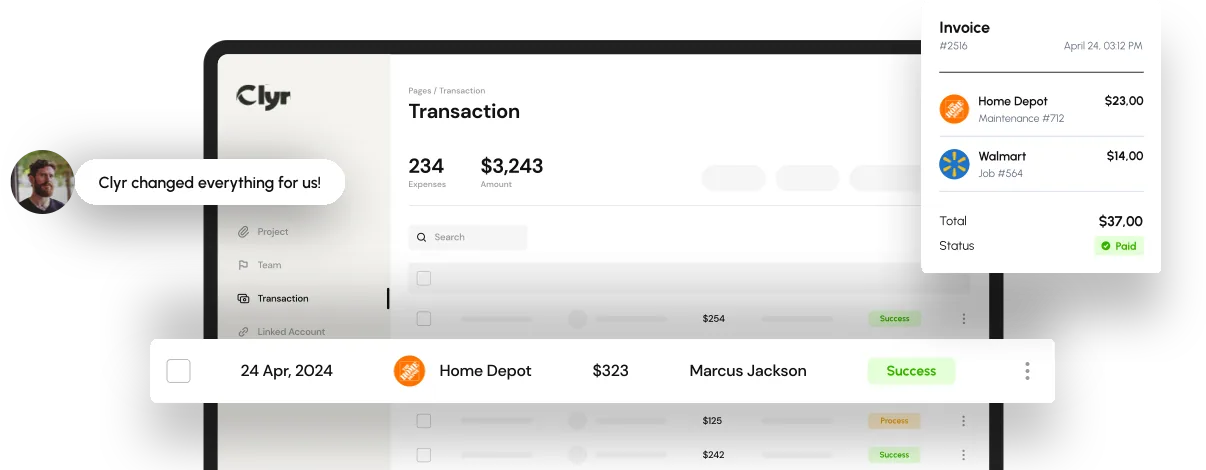
Modern platforms eliminate the old bottlenecks by automating nearly every step. For example, Clyr one of the most advanced solutions in the space uses AI-driven features to transform the entire workflow.
Key capabilities of modern tools include:
- Instant receipt capture via SMS, email, or mobile
- Automatic transaction matching to unify receipts and card activity
- AI-based coding that identifies vendors, categories, job codes, and GL accounts
- Real-time visibility into spending and budgets
- Automated reminders for missing receipts
- Two-way integration with accounting, ERP, CRM, and PMS systems
- Easy approvals with rule-based workflows
- Use-any-card flexibility, allowing teams to keep AMEX, Visa, or Mastercard
The shift from manual to automated expense reporting doesn’t just save time it eliminates errors, accelerates financial reporting, and gives leadership a live view of company spending.
Why Businesses Still Struggle With Expense Reports
Even with automation available, many companies continue to face challenges:
1. Inconsistent Submission Habits
Employees forget to submit receipts or wait until month-end, causing delays.
2. Fragmented Systems
Teams use multiple cards, banks, and apps, making it hard to track spending.
3. Missing Context
For companies that rely on job costing like contractors, property managers, or field-service teams improper coding hides the true cost of projects.
4. Human Errors
Manual data entry is prone to inaccuracies that distort financial reporting.
5. Slow Approvals
Without automated flows, managers slow down reimbursement cycles.
These pain points explain why so many companies are switching to automated solutions like Clyr.
Real-World Example: From Chaos to Control
Consider a service company with 40 technicians in the field daily. Each of them buys fuel, tools, small parts, and materials for multiple jobs. Before adopting an automated system, the company had:
- Dozens of missing receipts each week
- Inaccurate job costing
- Delayed financial reporting
- Frequent reimbursement disputes
- Hours lost each month in manual reconciliation
Once the team implemented Clyr’s expense report automation:
- Receipts were captured instantly
- Every transaction was auto-matched
- Jobs were coded automatically
- Finance gained real-time visibility
- Payroll reimbursements became faster and more accurate
This transformation is common across industries that rely heavily on field staff or decentralized spending.
How Automation Reduces Financial Risk
Automated expense reporting does more than speed things up. It reduces exposure to:
- Duplicate claims
- Unapproved purchases
- Fraudulent submissions
- Budget overruns
- Missing documentation during audits
The system becomes a built-in compliance layer that protects the company’s financial health.
Best Practices for Modern Expense Reporting
To get consistent, accurate, reliable financial data, organizations should implement these practices:
1. Capture Expenses Immediately
Receipt-capture tools that work through SMS/email make this effortless.
2. Enforce Clear Expense Policies
Employees should know what is reimbursable, what isn’t, and how to categorize spending.
3. Automate Approvals
A rules-based flow prevents bottlenecks.
4. Use One Central Platform
Spending should never be scattered among multiple systems.
5. Integrate with Accounting Software
This ensures that expense data flows directly to the ledger without duplication.
6. Monitor Budgets in Real Time
The sooner you know about overspending, the faster you can act.
Common Mistakes Businesses Should Avoid
- Holding receipts until month-end
- Coding expenses manually
- Using multiple apps that don’t sync
- Allowing unstructured, unapproved purchases
- Failing to track job- or project-level costs
- Delayed reimbursements that frustrate employees
Avoiding these pitfalls creates a healthier financial environment and smoother operations.
Future Trends in Expense Reporting
Expense management is becoming smarter every year. The next generation of tools is focusing on:
- Predictive budgeting using machine learning
- Automated anomaly detection to flag unusual transactions
- Deeper integration with CRM, ERP, and accounting systems
- Real-time audit trails
- Full automation of receipt capture with no human input
- Unified spend management to combine bills, vendor payments, reimbursements, and AP automation into one platform
Clyr is already leading many of these advances, making expense management nearly hands-free.
FAQs
It’s a structured document that records business-related expenses and includes details like date, vendor, amount, category, and purpose.
It is used for employee reimbursements, tax documentation, budget monitoring, project costing, and financial accountability.
Any employee, contractor, or team member who spends money on behalf of the company.
Yes, receipts are key for reimbursement, audits, and tax compliance.
Absolutely. Modern expense report software like Clyr automates capture, matching, coding, approvals, and reporting.